 Your business in 360°
 “
We took the standard R-Keeper report package and they tailored it to us on top of that. It all just works.
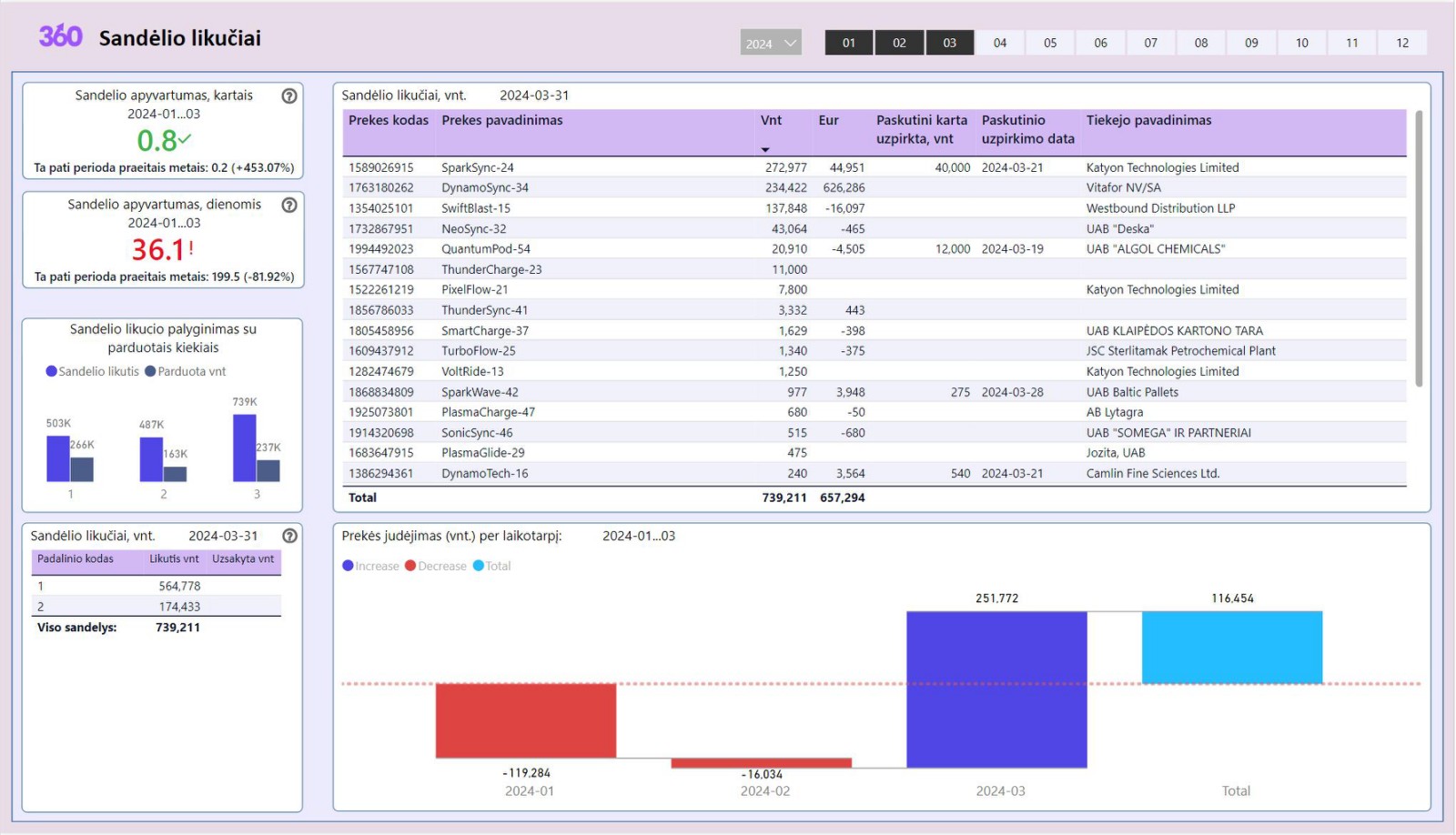
An Analitika360 report set is connected once, after which the reports refresh themselves with your company's data

A one-off connection to your accounting system.

Automatic data refresh every 24 hours

View the data in Power BI, in the browser or the app
Power BI is a modern data analytics platform for presenting data quickly and clearly, filtering and sorting it, and comparing it against other periods. It also has AI features that can draw conclusions from large bodies of data with no obvious direct connection between them.
Power BI can import from practically every common database (SQL, DB2, Oracle, Informix, Netezza, Essbase, Impala and others), from accounting and ERP systems (Rivilė, Navision, Axapta, Salesforce, Dynamics 365), from online services (Azure DevOps, Google Analytics, Adobe Analytics, Facebook, web pages and more), and from Excel, PDF, XML and JSON files.
Building the same reports in Excel is considerably harder. To stop having to fix them every time the volume of data changes, you end up writing Visual Basic macros. Excel has no drill-through when you need to go deeper into the data, and it does not cope with large volumes. In Power BI the only limit on how much data you process at once is your server's memory.
All data stored in Power BI is encrypted by default using Microsoft-managed keys. Customer data held in Azure SQL databases is fully encrypted with Azure SQL Transparent Data Encryption (TDE). Customer data in Azure Blob storage is encrypted with Azure Storage Encryption.
Yes. Analitika360 requires all inbound HTTP traffic to be encrypted with TLS 1.2 or later. Any request that tries to use TLS 1.1 or older is rejected.
Yes.
Yes — every user must use multi-factor authentication. An Analitika360 user signs in with a username, a password and a code sent to their phone.







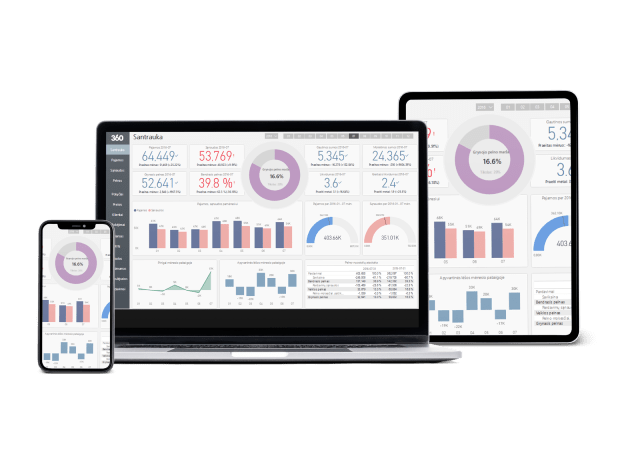
See how companies like yours put Analitika360 reports to work in Power BI.