See more. Decide better.
 Power BI data gateway: how it works and how to set it up

The Power BI data gateway is a secure bridge between on-premises data sources and the Power BI cloud service, letting reports refresh without moving the data into the cloud. It uses outbound connections only, so your company firewall does not need any additional open ports. In practice there are three gateway modes:
- Standard – a multi-user, multi-source solution for businesses.
- Personal – intended for a single user and not shared with the team.
- VNet (virtual network) gateway – needs no separate server and suits environments with heightened privacy requirements.
Each solves a different problem, and the right choice depends on how many users will work with the data and how strict your organisation’s data governance policy is.
Key takeaways
The Power BI data gateway only runs reliably when its type, configuration and sizing match the actual number of users and the DirectQuery load, rather than a generic template.
| Point | Details |
|---|---|
| Connection model | The gateway uses outbound connections only, so there is no need to open inbound firewall ports. |
| Choosing a type | For scenarios with several users and shared sources, choose the standard gateway, not the personal one. |
| Recommended configuration | Start with an 8-core CPU, 8 GB of RAM and an SSD, then adjust to the real load. |
| Performance optimisation | Install the gateway close to the data source and use clusters for high availability. |
| Hands-on deployment with Analitika360 | Analitika360 configures the gateway alongside the Rivilė and Finvalda integrations and looks after sizing and updates over time. |
Contents
- How the Power BI data gateway handles data flows and security technically
- Gateway types: standard, personal and VNet gateway
- When to choose the standard gateway and when the personal one
- Technical requirements and sizing decisions
- How to improve gateway performance in practice
- Step-by-step installation checklist
- How Analitika360 installs and optimises data gateways for clients
- What Power BI users most often overlook
- Why choose Analitika360 to set up your Power BI gateway
- Sources
How the Power BI data gateway handles data flows and security technically
The gateway does not open any inbound connection – it initiates the connection to the Microsoft cloud itself through the Azure Service Bus/Relay infrastructure. This means your IT department no longer has to build complex VPN tunnels or open risky ports simply so that Power BI can reach your Rivilė or Finvalda database.
Login credentials are encrypted and stored in such a way that they can only be decrypted on the gateway machine itself – the Microsoft cloud never sees them in plain text.
Statistic: Microsoft documentation confirms that the gateway uses only outbound connections to the cloud and that credentials are decrypted solely on the local machine.
The practical implications for your firewall and VPN are straightforward:
- No inbound ports need to be opened.
- Allowing outbound traffic on port 443 is enough.
- Where data sources are already in the cloud, a gateway is usually unnecessary – it only makes sense when the data sits behind a firewall.
Gateway types: standard, personal and VNet gateway
Before installing, define the working model the gateway will need to serve. The three options differ not cosmetically but functionally:
- The standard gateway supports multiple users and multiple data sources at the same time, and is compatible with the wider Power Platform ecosystem – Power Automate, Power Apps and so on. Microsoft recommends this mode for businesses where more than one person uses the data.
- The personal gateway works only with a single user’s authentication, cannot be shared with a team and is mostly used for testing or very small individual reports.
- The VNet gateway needs no separate physical server – network integration takes place at the Azure virtual network level, so it suits organisations whose data flows must stay isolated from the public internet for almost the entire route.
For a restaurant chain with a single accountant, personal mode may be enough to start with, but if several managers connect to the same data at different times, the standard gateway becomes a necessity rather than a luxury.
When to choose the standard gateway and when the personal one
The decision comes down to three specific criteria, not gut feeling.
First, the number of users and shared sources. If several people connect to the same database, or the same source is used in several reports, the personal gateway simply will not work – it does not allow the connection to be shared.
Second, DirectQuery load. Every time a report is opened in DirectQuery mode, it sends a live query to the source database through the gateway. With many users, the load rises in direct proportion, and a personal gateway with limited resources becomes a bottleneck.
Third, data governance requirements. The standard gateway lets you manage access centrally, view usage logs and assign administrators – a critical capability for companies that have to account for themselves during an audit.
- One user, a test report → personal gateway.
- Several teams, shared sources, DirectQuery → standard gateway.
- Access auditing required → standard gateway with an administrator account.
Pro tip: if you are not sure how many users will connect to a report over the year, go for the standard gateway straight away – moving from personal to standard mode requires reconfiguration and often a short period of report downtime.
Technical requirements and sizing decisions
Before installing, check two things: the operating system and the .NET Framework version. Microsoft states that you need at least .NET Framework 4.8 and a supported version of Windows Server or desktop Windows. The gateway cannot be installed on a domain controller – a common mistake that causes installation errors or a security risk.
A recommended configuration that suits most mid-sized companies:
- At least an 8-core processor (8 core CPU)
- 8 GB of RAM or more
- An SSD, not a standard HDD
Statistic: Microsoft’s sizing guidance recommends starting with this configuration and adjusting it to the actual load, rather than investing in an extremely powerful server from the outset.
The difference between cached (imported) and DirectQuery workloads directly determines how much hardware you need. Imported data only loads the server during refresh – usually overnight or a few times a day. DirectQuery, by contrast, sends a query every time a report is opened, so CPU and RAM requirements grow with the number of users in real time, not on a schedule.
When maintaining the gateway, it is worth monitoring these metrics: CPU load, memory usage, refresh success rate and queue length. The gateway diagnostic logs show when queries are waiting in the queue – the first sign that you need more resources or a cluster.
How to improve gateway performance in practice
The physical distance between the gateway and the data source has a real impact – if the gateway machine sits on the same local network as the database, network latency drops markedly and DirectQuery response times improve. This principle is often ignored when the gateway is installed “wherever there is room in the server room” rather than where the data is.
A few practical steps that genuinely work:
- Install the gateway as close as possible to the data source, minimising the network hops between them.
- Separate scheduled refreshes from DirectQuery queries by running them in different time windows, so they do not compete for resources.
- Where possible, use aggregations so that DirectQuery queries return summarised data rather than full detail.
- For high-availability requirements, add extra nodes to the cluster – each node must be on a separate machine and run the same gateway version, otherwise older connected nodes can slow down the whole system.
- The StreamBeforeRequestCompletes configuration change lets the gateway start sending data earlier, without waiting for the entire query to be ready – this can significantly speed up the transfer of large datasets.
Pro tip: if transformations in Power Query steps cannot be “query folded” (i.e. pushed back down to the database), they run on the gateway machine itself and sharply increase RAM usage – one of the most commonly overlooked reasons why a gateway “runs slowly” even though CPU metrics look normal.
Step-by-step installation checklist
A systematic installation saves hours of troubleshooting later. Follow these steps in order:
- Prepare the server – check the Windows version and that .NET Framework 4.8 is present, and make sure it is NOT a domain controller.
- Register the gateway with an organisational account (not a personal one), assign at least two administrators and store a recovery key somewhere secure.
- Add it to a cluster if you are planning for high availability – every new node must run the same gateway version.
- Test the connection to each data source separately, checking authorisation and that refreshes actually succeed.
- Assess latency by monitoring the first scheduled refreshes – if they take considerably longer than expected, check the network route between the gateway and the source.
How Analitika360 installs and optimises data gateways for clients
Analitika360 integrates data from Rivilė, Finvalda, SharePoint and Excel, and for each client the gateway configuration is tailored to the actual data volume and number of users, not to a generic template.
For restaurant chains and accounting firms, what usually matters most is not the technology itself but that reports refresh automatically, without manual intervention – that is the real purpose of a sizing decision, not just a technical detail.
In practice, this means:
- Sizing decisions are made after monitoring the real load for the first few weeks following installation, not theoretically in advance.
- High-availability (HA) clusters are only deployed when the client genuinely has several users working with reports at the same time.
- Automated reports are configured to refresh without any additional user intervention, and the Rivilė integration combines accounting data with sales and warehouse metrics in a single report.
What Power BI users most often overlook
Most managers only find out about the gateway when something breaks – a report stops refreshing, and only then does it emerge that a single personal gateway on someone’s desktop PC had been doing the work all along. That is the real problem, not the technology itself.
It is common to assume that installing a gateway is a one-off IT job that can then be forgotten. In reality, it is part of your infrastructure and needs periodic maintenance – software updates, access rights reviews and checks on the health of cluster nodes. Companies that ignore this tend to run into refreshes that have quietly failed rather than dramatic errors.
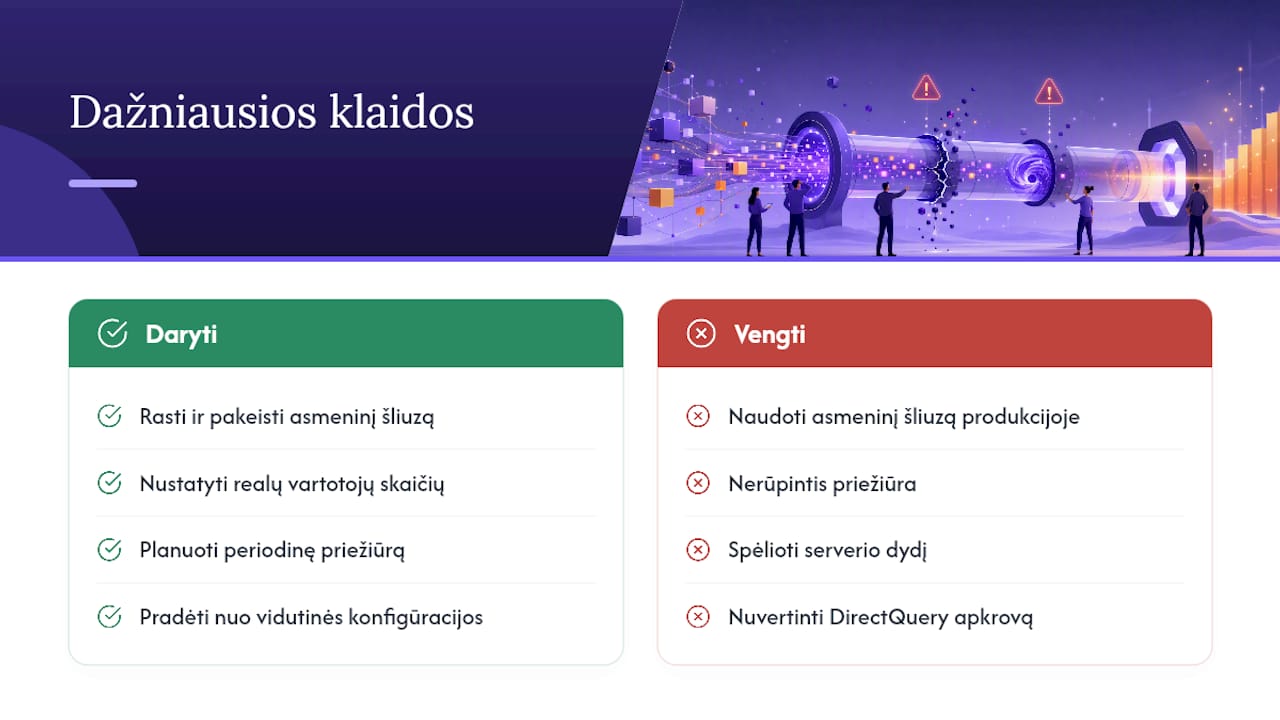
Another assumption worth revisiting: you do not need to guess your sizing in advance with plenty of headroom. It is better to start with a mid-range configuration and adjust it to actual usage than to invest in an overpowered server that will never be fully used. DirectQuery risks are also often underestimated – managers see a report open quickly during testing with a single user and do not realise that with ten concurrent users the picture will change dramatically.
If you are planning an installation for the first time, start by establishing the realistic number of users, and only then choose between standard and personal mode.
— Analitika360
Why choose Analitika360 to set up your Power BI gateway
Setting up a Power BI data gateway yourself takes time that most finance managers and accountants simply do not have – from checking OS compatibility to sizing decisions and cluster configuration.
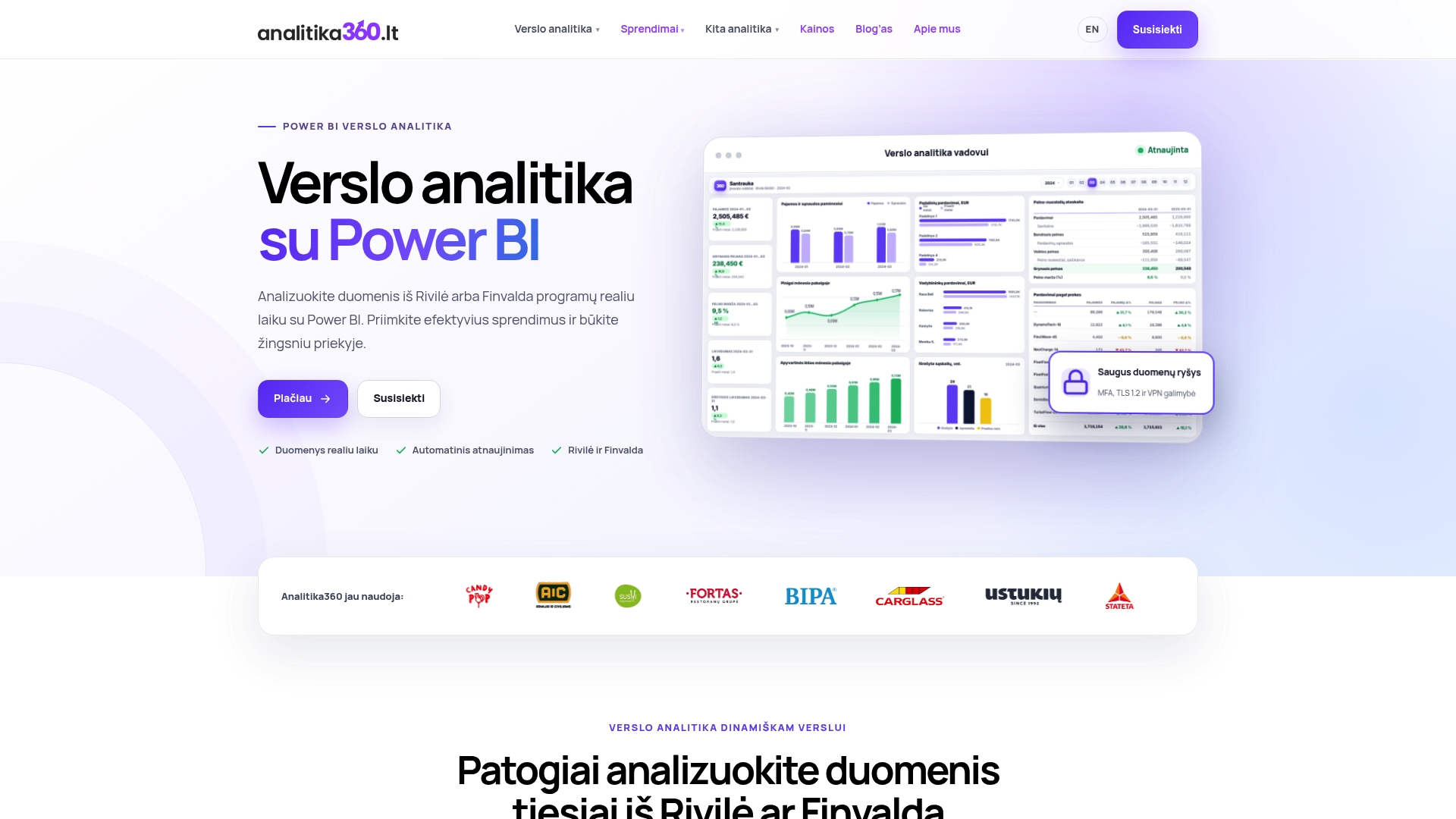
Analitika360 solves this problem in practical terms: we install and configure the gateway together with the entire Power BI reporting system, integrated with your Rivilė or Finvalda accounting data, SharePoint and Excel files. The client gets not an empty technical infrastructure but a working reporting system that refreshes automatically and shows revenue, cost and profit figures in real time.
Unlike a general IT consultant who installs the gateway as a one-off task, Analitika360 remains responsible for how it runs over time – adjusting sizing, maintaining the cluster and monitoring updates. If you would like to start with a clear Power BI implementation and consulting plan, or see what such solutions look like in practice with Finvalda data, get in touch for a tailored quote based on your company’s size and data sources.