See more. Decide better.
 Row-Level Security: How to Protect Data in Power BI and Databases

Row-level security (RLS) defines which rows of a table a particular user can see, and it applies both at the Power BI model level and in the database itself. Designed properly, it lets a single report safely show data to different departments, clients or branches. Below you will find specific implementation steps for Power BI and SQL/PostgreSQL environments, a testing procedure and the finer points of GDPR compliance.
In brief:
- Static RLS suits a small number of users whose assignments rarely change, while dynamic RLS works better in an organisation with frequent staff changes.
- In Power BI deployments, RLS rules should be placed on dimension tables and checked with “View as roles” to ensure effective data security.
- Once the rule has been checked and users linked to an Entra ID group, research shows that errors most often arise from an incorrect relationship or a letter-case mismatch in the rules.
- Database-level RLS works independently of the user’s tools, making it better suited to more complex systems or multi-tool environments.
- RLS implementation and testing should be carried out consistently, using impersonation and auditing, to ensure compliance with data protection and regulatory requirements.
Contents
- What row-level security (RLS) is: definition and use cases
- Static and dynamic RLS: pros, cons and recommendations
- RLS in Power BI: implementation steps, DAX examples and common mistakes
- RLS in databases (SQL Server, PostgreSQL): how it works technically
- Design best practice and performance optimisation in RLS solutions
- Testing, governance and auditing: a checklist
- RLS and GDPR: what to include in your documentation to demonstrate compliance
- Analitika360: how we implement RLS in Power BI solutions
- Editorial perspective: when to start with RLS and when to run a pilot
- How Analitika360 helps implement row-level security
- Sources
What row-level security (RLS) is: definition and use cases
RLS works through filter and block predicates: for each user, the system automatically adds a “WHERE” condition that allows them to see only the rows assigned to them. The user neither sees that rule nor can change it.
Companies apply row-level control in the following cases:
- Multi-tenant systems — several organisations use the same reporting platform, each seeing only its own data.
- Separating departments — a regional manager sees sales for their own region, while the managing director sees everything.
- Customer segmentation — a partner or supplier can access their own orders, but not competitors’ data.
It is important to distinguish between two levels: model RLS (the Power BI semantic model) applies when the report is viewed, whereas database RLS applies to any connection to the database, regardless of the tool being used.
Static and dynamic RLS: pros, cons and recommendations
Static RLS assigns a specific value directly in the DAX rule, for example filtering the region by the fixed value “Vilnius”. This suits a small number of users whose assignments rarely change.
Dynamic RLS uses the USERPRINCIPALNAME() or CUSTOMDATA() functions, which compare the signed-in user’s identity with a mapping table in the model. Such a table (usually called AppUser) links an email address to a department, region or customer ID, so assignments update automatically as staff change — dynamic RLS with mapping tables is particularly useful in organisations with high staff turnover.
- Static RLS: simple and quick, but requires manual maintenance as the number of users grows.
- Dynamic RLS: scales better, but requires a well-kept mapping table.
- Separate workspaces or models: chosen when there are only a few groups and they need an entirely different data structure, not just a filter.
Pro tip: if you are planning many different roles, dynamic RLS with a single mapping table will be easier to maintain than a multitude of static rules.
RLS in Power BI: implementation steps, DAX examples and common mistakes
Row-level security in Power BI is implemented through the model’s role system. The process is repeated almost identically in every project:
- Create a role in Power BI Desktop under “Modeling” → “Manage roles”.
- Write a DAX filter rule on a dimension table, for example:
[Regionas] = "Vilnius"or, dynamically,[Email] = USERPRINCIPALNAME(). - Model an AppUser table with columns for the user’s email address and the corresponding group, linked to the fact table through a dimension relationship.
- Check the rule using “View as roles” within Power BI Desktop.
- Publish and assign roles in the Power BI service under “Security”, ideally via Entra ID groups rather than individual users.
Testing cannot stop at a single preview in the service. RLS filters are applied to DAX queries and can slow a report down, so every role should be checked both with “View as” and through impersonation using a real user profile.
The most common mistakes: the rule is placed on the fact table (rather than the dimension), bidirectional relationship filtering is forgotten, or the role is assigned using an email address whose letter case does not match the Entra ID record. The last of these often goes unnoticed for several weeks, until a user reports seeing “too much” or “too little” data.
RLS in databases (SQL Server, PostgreSQL): how it works technically
Database-level RLS works regardless of which client is used to connect, and that is its biggest advantage over model RLS.
SQL Server uses an inline table-valued function that returns 1 or 0 depending on the user context, and attaches that function via CREATE SECURITY POLICY with a filter (SELECT) or block (INSERT/UPDATE/DELETE) predicate. SQL Server RLS works through filter and block predicates, which are added without changing the table structure itself, although creating the policy often requires SCHEMABINDING, which will restrict subsequent changes to the table.
PostgreSQL’s approach is slightly different:
- A policy is created with the
CREATE POLICYcommand and can be permissive (any matching policy grants access) or restrictive (all must match). - PostgreSQL CREATE POLICY allows several rules to be combined flexibly for a single table.
- Superusers and roles with the
BYPASSRLSattribute always bypass the policy, whatever its rules.
Database-level RLS is recommended when several tools (not just Power BI) connect to the data, or when you need a guarantee that even an administrator using an SQL client cannot bypass the rule by accident.
Design best practice and performance optimisation in RLS solutions
The model architecture determines whether RLS runs quickly or slows down every report opening. A few rules are unavoidable here.
- Place the rule on the dimension, not the fact table. The filter propagates through the relationship to the fact table automatically, provided the relationship is active and single-direction.
- Avoid
LOOKUPVALUE()in DAX rules. Best practice recommends applying RLS to dimensions and using relationships, becauseLOOKUPVALUEscans the entire table for every query. - Index predicate columns at database level. The security policy function is called for every row, so an unindexed column means a full table scan.
- Profile your queries. DAX Studio or Performance Analyzer shows where the RLS filter is actually slowing a query down.
In practice, three recurring patterns prove their worth: group-based assignment (the user belongs to an Entra ID group, and the group is linked to a region), hierarchical assignment (multi-level departments via a parent-child structure) and multi-tenant (a tenant ID as a mandatory column in every fact table).
Pro tip: a clean star schema with clear relationships improves filter propagation more than any DAX optimisation — start with the model, not the rule.
Testing, governance and auditing: a checklist
An untested rule is as good as no rule at all. Before publishing, and periodically afterwards, it pays to follow a fixed procedure.
- Assign roles via Entra ID groups, not individual users — this lets you manage access centrally as staff change.
- Check every role in “View as” mode in Power BI Desktop before publishing.
- Carry out impersonation with real scenarios using Tabular Editor or DAX Studio, so you test not just one but several complex queries at once.
- Keep an audit log — who assigned a role, when, and which rule was changed.
- Repeat the tests after every model change, as a new column or relationship can inadvertently open a path around the old rule.
This cycle of testing and documentation is the most practical safeguard against dangerous row-level situations — cases where a user mistakenly sees someone else’s financial or personal data.
RLS and GDPR: what to include in your documentation to demonstrate compliance
RLS is one of the appropriate technical measures referred to in Article 32 of the GDPR, as it restricts access to personal data to the minimum necessary. RLS is an effective part of demonstrating GDPR compliance, but only if it is documented and centralised rather than left to ad hoc changes in each model.
Your documentation should include:
- A log of role and user assignments, with dates.
- Test results before each new version is published.
- Audit records of rule changes.
RLS on its own does not meet every security requirement. It must work alongside a data security policy covering access management, encryption and user authentication, as one layer among several.
Analitika360: how we implement RLS in Power BI solutions
Analitika360 designs the model so that the RLS rule sits on the dimension table from the outset, and user assignment runs through a mapping table linked to an Entra ID group. Report users are usually given read-only access to the semantic model — the principle of least privilege is applied without exception, even in the administration environment.
Clients such as restaurant chains with several outlets, or accounting firms managing data for several business clients, receive automated reports in which each manager sees only their own scope. You will find implementation examples on the Power BI report examples page, and our data-handling principles are set out in the privacy policy.
Editorial perspective: when to start with RLS and when to run a pilot
Most companies start implementing RLS too late, when the report is already in use across several departments. It is better to begin with a small pilot covering one region and a clear plan for the mapping table, rather than with the final architecture. If your organisation already has more than five roles or sensitive financial data, it is worth turning to specialists who integrate RLS into a wider security strategy rather than treating it as a standalone DAX rule. The first step is always the same: draw up an inventory of users and data access, then the mapping table and SaaS strategy.
— Analitika360
How Analitika360 helps implement row-level security
What sets Analitika360 apart from a general Power BI consultant is that RLS is designed together with ready-built report packages for Rivilė and Finvalda data, so the security rule is fitted to an existing model rather than built from scratch.
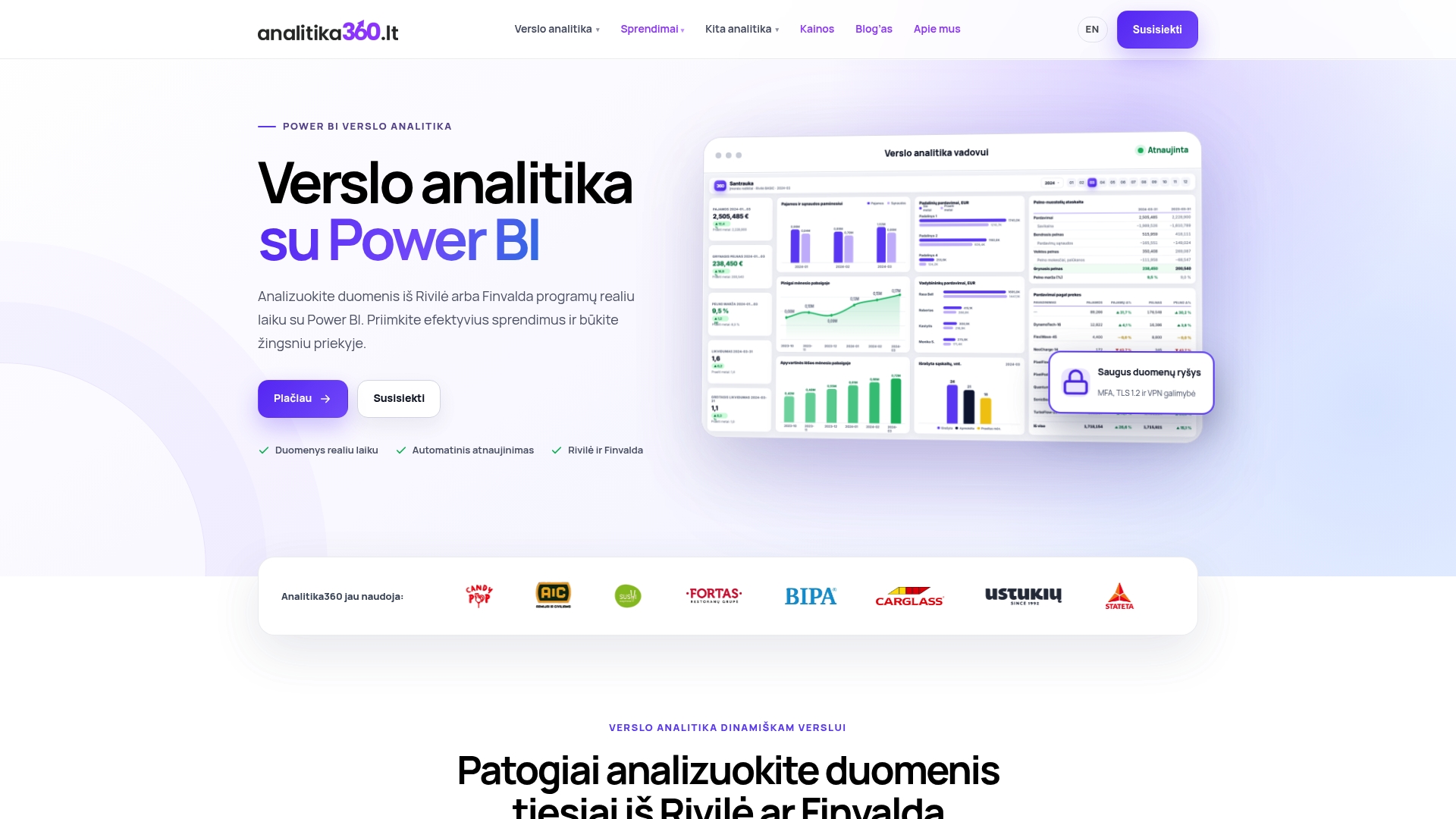
The service covers model design with RLS on dimension tables, role assignment via Entra ID groups, testing using “View as” scenarios, and documentation that can be presented as evidence of GDPR technical measures. The client receives automatically refreshing reports in which each department, branch or client sees only the data assigned to them, with no extra manual filtering. If you manage several departments or want your RLS rules documented for audit purposes, take a look at our business analytics solutions by sector and get in touch about an RLS implementation plan for your Power BI environment.