
Finvalda warehouse module: how the system manages your stock

Finvalda supports all the core warehouse operations, such as goods receipts, sales, write-offs, internal transfers, stocktaking and reservations, and lets you keep an unlimited number of warehouses and items. The system is modular, from MIKRO up to MAXI, so the set-up can be matched to the size of the company. When importing data, the warehouse code must be given in the detail lines; otherwise the transaction will be assigned incorrectly.
In short:
- Warehouse transactions must carry the correct warehouse code; otherwise the data may be distorted and the transactions rejected.
- The system lets you choose between specific and summary accounting, depending on the nature of the business and the characteristics of the goods.
- There is no need to limit the number of warehouses or items, and moving between modular versions means you can start with a smaller one and expand into a broader solution later.
- Import errors are usually caused not by a poor system but by a missing or incorrectly formatted warehouse code in the import files.
- Automated Power BI reports help you monitor stock levels, turnover speed, order fulfilment and reservation levels in real time, reducing the need to gather data by hand.
Contents
- Key Finvalda warehouse features: transactions, stock accounting and stocktaking
- How to import data into Finvalda without errors: the warehouse code and file structure
- Finvalda modules: how EStore, Finance PRO and MAXI relate to the warehouse
- How to turn Finvalda warehouse data into decisions with Power BI
- Launching the Finvalda warehouse: what to check in the first week
- Editorial perspective: when to choose detailed and when summary accounting
- Analitika360 solutions for Finvalda users: ready-made report packages
- Sources
- Frequently asked questions
Key Finvalda warehouse features: transactions, stock accounting and stocktaking
Finvalda’s warehouse module covers the entire stock movement cycle, from the moment goods arrive to the moment they leave the stock balance. The system handles six core operations: goods receipts, sales, write-offs, internal transfers between warehouses, stocktaking and reservations for customer orders. Each one is recorded as a separate document, so the history can be traced back to a specific transaction and a specific employee.
The most important decision every company has to make is the accounting mode. Finvalda lets you choose between specific item accounting and summary accounting:
- Specific item accounting records each batch or unit separately. It suits companies that need to know the serial number, expiry date or specific batch (pharmacies, electronics retail, the food industry).
- Summary accounting records only the total quantity of an item in the warehouse, without breaking it down to batch level. It suits wholesale or retail where batches do not matter and speed is the priority.
Both modes work within the same warehouse functionality, so the choice can be made for each product group rather than for the whole system at once.
There is no limit on the number of warehouses, items or transactions, so a growing company will not run into a technical ceiling. You can have ten regional warehouses and hundreds of thousands of item cards without any additional volume-based licensing. The modular structure means you can start with Finvalda MIKRO and later move to MAXI when you need wider integrations or a higher volume of transactions. This structure suits a small shop just as well as a logistics company with several divisions.
How to import data into Finvalda without errors: the warehouse code and file structure
Import errors usually arise not from a poor system but from an incorrectly formatted file. Finvalda strictly requires a warehouse code in the detail lines: without it, the stock transaction will be rejected or assigned to the wrong warehouse, which distorts stock balances across the whole system.
Before you start regular imports, it is worth taking three steps:
- Prepare a small test file of five to ten lines, including the item code, quantity, price and warehouse code.
- Check the mandatory fields in the system settings to see whether the warehouse field is marked as mandatory or merely recommended.
- Compare stock balances after the test import with the expected result, so you can see whether the quantities ended up in the right warehouse.
In the EStore module, import behaviour depends on two settings: whether an order from the online shop creates a reservation or is written off from the warehouse immediately, and whether stock levels and prices are automatically sent back to the platform after the transaction is completed. The reservation option suits cases where payment must be confirmed before the goods are handed over, while automatic write-off works better for fast sales scenarios.
Pro tip: A warehouse code error in an import file usually signals not poor data quality but a forgotten column in the CSV file. Before sending a large file, check that the warehouse code column actually exists and is in the right place.
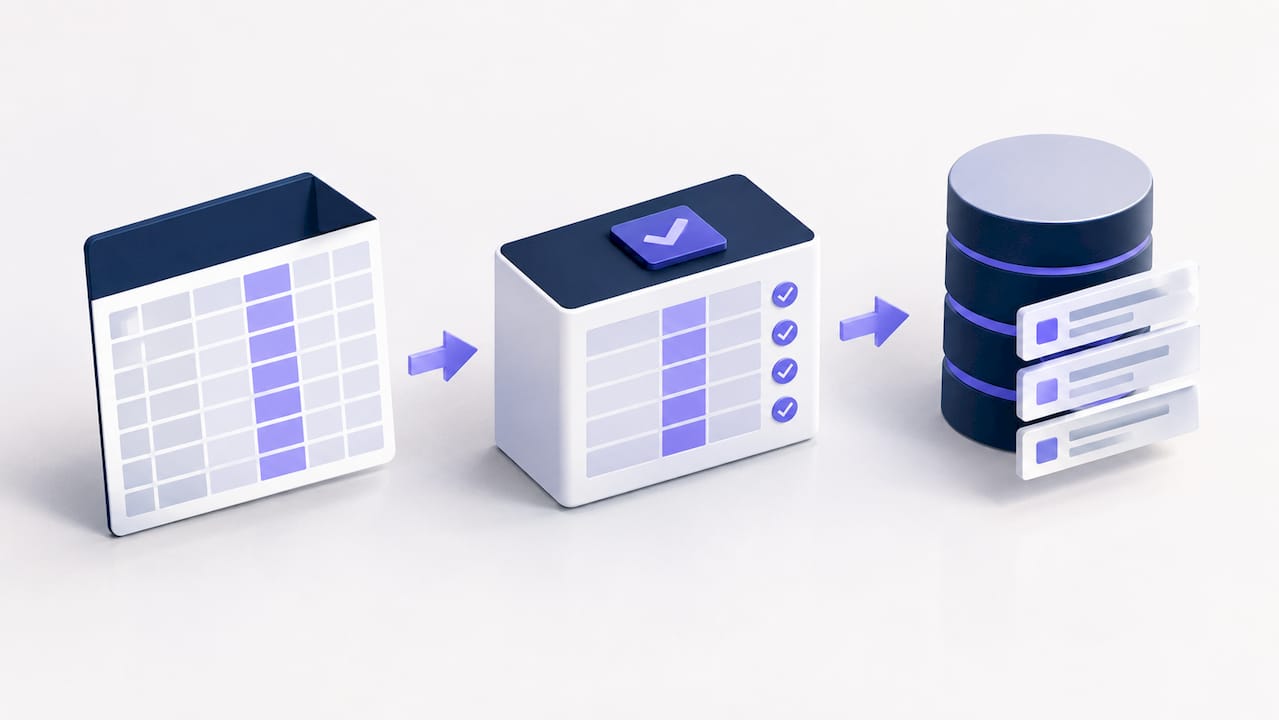
Finvalda modules: how EStore, Finance PRO and MAXI relate to the warehouse
Finvalda’s functionality is extended through modules that directly affect the flow of warehouse data. Each module addresses a separate problem: external orders, financial synchronisation or high-volume operations.
- EStore manages the flow of orders from online shops. The module lets you set whether goods are reserved or written off immediately, and supports exporting documents to XLS, PDF or XML formats for further processing.
- Finance PRO synchronises with the main program in real time, so sales and purchase transactions are visible without delay. The module generates custom report sets, such as sales by week, month or year, as well as debt summaries.
- MAXI is the most comprehensive version, supporting an unlimited number of transactions, customers, items and warehouses, along with a wide range of integrations with banks and e-commerce platforms. This version suits companies with several legal entities or more complex logistics.
In practice, this means the warehouse administrator does not have to move data between parts of the system by hand. When an item is written off through EStore, the stock balance is automatically reflected in Finance PRO reports as well. This link reduces the risk of double entry, which is the most common cause of discrepancies between the physical warehouse and the system data.
How to turn Finvalda warehouse data into decisions with Power BI
Warehouse data only becomes valuable when it can be read quickly without compiling reports by hand. Four indicators are worth monitoring every week:
- Stock levels by warehouse and category, so you can see where there are shortages and where goods are sitting without moving.
- Turnover speed, showing how long an item spends in the warehouse from receipt to sale.
- Order fulfilment speed, which is especially important if you use the EStore module with online shop traffic.
- Reservation level, showing how many goods have already been allocated to customers but not yet physically dispatched.
Analitika360 extracts this data directly from Finvalda and builds it into automated Power BI reports that refresh without any further user involvement. This means the accountant or warehouse manager no longer has to export data by hand every Monday and put together tables in Excel.
What a manager should review each week: stock levels for the top ten items, turnover speed by category and reservations as a percentage of total stock. This combination shows both the risk of shortages and the capital tied up in slow-moving goods. Analitika360 data also helps you spot slow-moving stock that would otherwise only come to light during the annual stocktake, when it is too late to adjust purchasing plans.
Launching the Finvalda warehouse: what to check in the first week
Before moving live transactions into a new warehouse configuration, it is worth going through a short but rigorous testing cycle:
- Check that warehouse codes are consistent. Make sure each warehouse has a unique code and that it matches the one used in the import files.
- Run a test import with a small CSV file covering a few items and one warehouse, to see whether stock is allocated correctly.
- Create test sales and goods receipt documents, checking the reservation scenario if you use EStore.
- Set user permissions by role: give the accountant, storekeeper and sales manager only the privileges they need for their work.
- Agree on rules for attaching documents, for example whether an invoice or a photo of the delivery note must be attached to every goods receipt.
This cycle takes a week, but it protects you from errors that would otherwise have to be corrected by hand over several months.
Editorial perspective: when to choose detailed and when summary accounting
Detailed item accounting is worth choosing when batches or serial numbers matter for quality control. Summary accounting is faster and simpler for high-turnover trading. The accounting mode directly determines how long stocktaking takes and how detailed the reports are, so it makes sense to roll out automated Power BI reports straight away, before the data structure has a chance to become chaotic.
— Analitika360
Analitika360 solutions for Finvalda users: ready-made report packages
Compiling reports from Finvalda by hand costs time that an accountant or manager could spend on decisions rather than copying data. Ready-made Power BI report sets are available for Finvalda users, refreshing automatically with no extra work from the user.
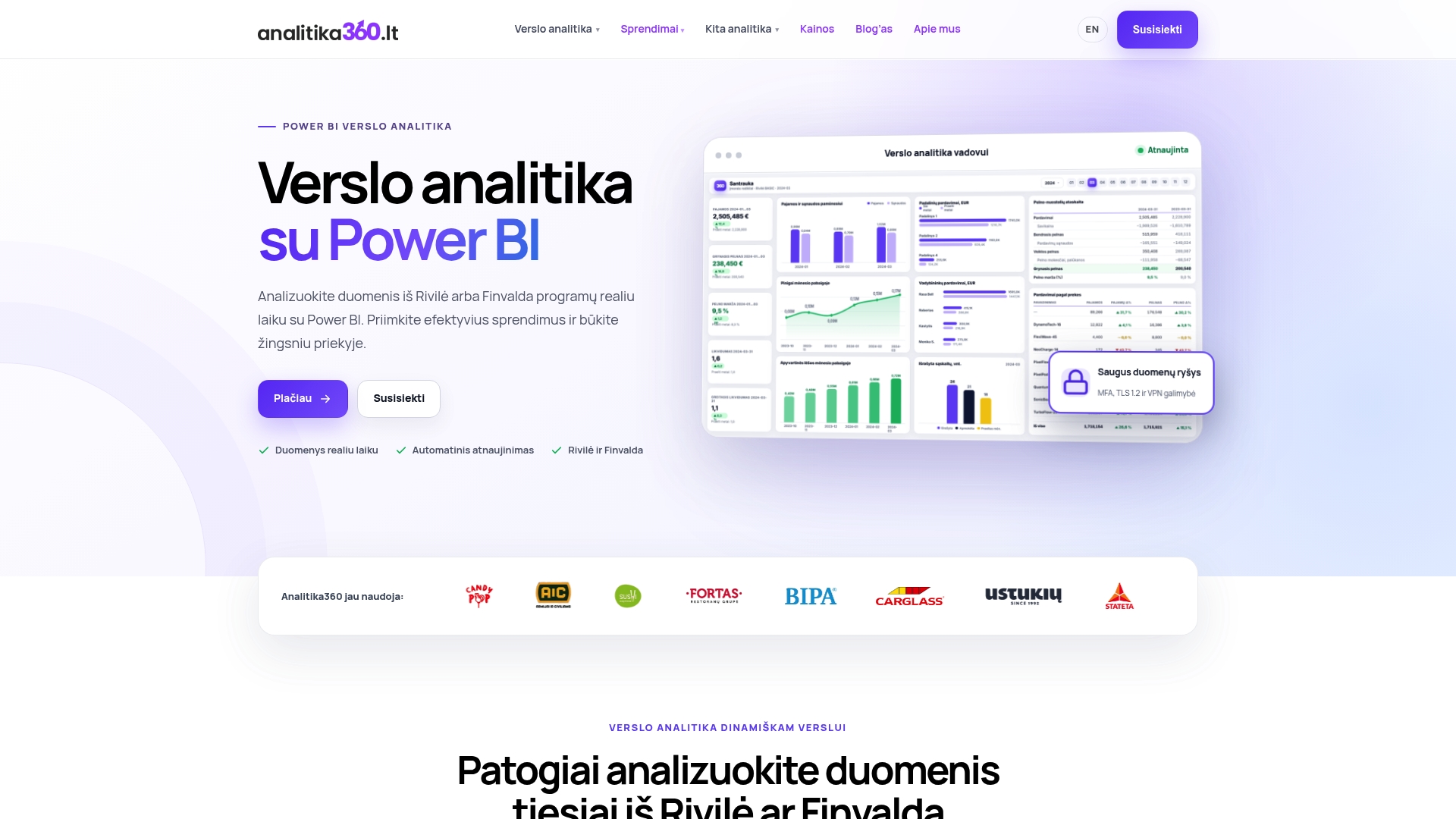
There are two options, depending on your needs. Finvalda Basic costs €59 a month and covers the core sales, cost and warehouse indicators. Finvalda PRO, at €89 a month, adds broader reports and more dimensions for analysis. If your company’s processes are non-standard, or you need to combine Finvalda data with other sources such as SharePoint or a CRM, Analitika360 also offers bespoke projects at €70 an hour. To find out which option suits the size of your warehouse operation, get in touch via Analitika360 and discuss your data sources.
Sources
For technical verification, it is useful to review Finvalda’s own documentation: the EStore module description, the Finance PRO user guide and the MAXI version description. The data analytics side is best illustrated by the Rivilė and Power BI integration guide, whose principles apply to Finvalda data as well.
- EStore module description
- Finvalda Finance PRO user guide
- Finvalda MAXI business management system
- Finvalda integration (import requirements)
Frequently asked questions
Is Finvalda suitable for managing several warehouses?
Yes, the system lets you keep an unlimited number of warehouses and carry out internal transfers between them. Each warehouse has a unique code, which must be specified when importing data.
Why does an import of goods return a warehouse code error?
Finvalda requires the warehouse code to be given in the detail lines of the import. If the field is empty or incorrect, the system either rejects the line or assigns the item to the wrong warehouse.
What is the difference between Finvalda MIKRO, MAXI and Finance PRO?
MIKRO is the entry-level version for small companies, MAXI supports an unlimited number of transactions and warehouses as well as wider integrations, and Finance PRO is an add-on module that synchronises financial data in real time. The modules can be combined to suit your stage of growth.
How does the EStore module work with stock levels?
EStore lets you choose whether an order from the online shop creates a reservation or writes the item off from the warehouse immediately. The module can also automatically send updated stock levels and prices back to the platform.
How much does an Analitika360 report package for Finvalda users cost?
Finvalda Basic costs €59 a month, while Finvalda PRO, with broader analytics, costs €89 a month. Bespoke projects are charged at €70 an hour.