
Rivilė warehouse management: MSCAN features and setting up locations
Today, ‘Rivilė warehouse’ means Rivile MSCAN, a web-based mobile warehouse management system that runs in the browser and replaces the older SVS module. It provides goods receipt, picking and stocktaking functions on phones and scanners, and location management can be activated on top, which also affects the stock balances in the accounts. Below we explain when locations are worth switching on and how to prepare for implementation.
In brief:
- The system’s main users are smaller warehouses, as a price of around €30 per workstation makes automation affordable for them.
- Location functionality is essential for larger operations with several staff and complex warehouse layouts, but it requires the addressing to be prepared in advance.
- Data synchronisation with the accounting system is not always automatic, so before month-end close you must check that the stock balances match.
- Staff training and permissions management are a core part of a successful implementation, and it helps to have ready-made procedures for resolving the most common problems.
- Analitika360 turns MSCAN data into automatically refreshed Power BI reports that support better decision-making and monitoring of warehouse operations.
Contents
- What is the Rivile MSCAN warehouse management system
- Location functionality: when it is worth activating
- Goods receipt, picking and stocktaking: how day-to-day operations work
- How the integration with Rivilė GAMA works
- Implementation and configuration: from preparation to go-live
- The most common mistakes when launching location management
- Maintaining the Rivilė warehouse system and resolving errors
- User training and permissions management in Rivilė warehouse
- Data security in warehouse management with Rivilė
- Reporting and analysis of Rivilė warehouse data
- Common problems and their solutions in Rivilė warehouse management
- The Analitika360 perspective: what MSCAN data offers business analytics
- How Analitika360 helps you make the most of Rivilė warehouse data
- Sources
- Frequently asked questions
What is the Rivile MSCAN warehouse management system
Rivile MSCAN is a browser-based application that requires no installation at the workstation. The system runs on mobile devices and professional scanners, and data is synchronised with Rivilė GAMA in real time. This is the key difference from the older SVS module, which needed a separate installation and often did not work well with mobile devices.
The main MSCAN functions include:
- receiving goods from suppliers and from internal transfers;
- picking against sales or internal orders;
- stocktaking with scan-based checks;
- automatic reconciliation with Rivilė GAMA data.
Price guide: one workstation costs around €30 a month, according to publicly available information. This makes the system affordable even for smaller warehouses that previously avoided automating their processes because of the high upfront investment.
Location functionality: when it is worth activating
Location management lets you assign a specific place to each item in the warehouse. Instead of a single warehouse-wide balance, you can see which shelf, rack or pallet a particular item is on. The system records stock balances by location and by pallet, allows transfers between locations and lets you reserve quantities for specific operations.
Locations are worth activating when:
- the warehouse holds more than a few dozen different product lines that are hard to find without clear addressing;
- several staff pick goods at the same time and there is a risk that the same quantity will be offered to two orders;
- you work with pallets that regularly need to be built, broken down or moved between zones;
- stocktaking without locations takes too long because staff physically search for goods all over the warehouse.
The reservation mechanism does important work here. When a member of staff starts picking an item for a specific order, the system can reserve that quantity so that it is not offered to another picker or another order at the same time. However, activating locations is a paid add-on and requires thorough addressing to be prepared before use — without it, operations will be disrupted.
Goods receipt, picking and stocktaking: how day-to-day operations work
Picking in MSCAN works in two ways: against sales or internal orders that have already been created, or directly in the app on an ad hoc basis, where the operator scans goods without a prior order. During scanning the system automatically checks that the order matches the goods actually being picked, and if there is a mismatch it immediately shows a warning on screen.
The most important elements for day-to-day operations are:
- goods receipt records incoming goods and automatically updates the stock balances;
- picking follows the order lines and marks what has already been collected;
- stocktaking lets you scan the whole warehouse or just a selected location;
- building and breaking down pallets is recorded as a separate action with its own history.
Transfers between locations are also recorded as separate operations, so you can trace at any time when an item was moved from one place to another and by whom.
How the integration with Rivilė GAMA works
Data synchronisation between MSCAN and GAMA depends on how specific parameters are set, rather than happening ‘automatically in all cases’. The MSCAN_LAU_TV parameter and similar settings determine whether location operations update the accounting stock balances immediately, or whether they remain at location level, separate from the accounts.
This means that a location operation (for example, moving an item between racks) sometimes has no effect at all on the general accounting records in GAMA, because it has been deliberately configured that way. This architecture can cause confusion if the team does not understand why some actions are ‘invisible’ to the accountant.
Pro tip: Before completing month-end close, always run a reconciliation between MSCAN location balances and GAMA accounting balances — it takes a few minutes but protects you from incorrect inventory valuations in your reports.
The Rivilė documentation stresses that the configuration of reservation operations must match the actual working rhythm of the warehouse. Otherwise, reservations that have been created can “freeze” goods that are actually needed for other orders.
Implementation and configuration: from preparation to go-live
A successful MSCAN launch starts not with switching the system on, but with drawing up a location map. You need to list all the warehouse zones, racks and shelves before activating the functionality, because all location fields become mandatory immediately after activation.
Recommended implementation steps:
- prepare the full warehouse addressing on paper or in a spreadsheet before touching the system;
- enter the locations into MSCAN and link them to existing stock balances;
- carry out a trial goods receipt and picking run with a small quantity of goods;
- train staff in the new way of working, especially handling errors and creating reservations;
- move the whole warehouse onto the system only after a successful trial.
The UNICOS case shows that go-live can happen quickly, but redesigning processes remains an essential step for the client that cannot be skipped.
The most common mistakes when launching location management
Most problems arise not from the system itself but from a rushed start. The most common mistakes are:
- activating locations without complete addressing, which leaves staff unable to assign goods to locations;
- not using reservations when several staff are picking at the same time — this leads to competing picks and incorrect balances;
- failing to reconcile MSCAN and GAMA before month-end close;
- insufficient staff training in interpreting error messages.
Pro tip: Before full go-live, run at least one complete stocktaking cycle with locations in test mode — this will reveal gaps in the addressing before they affect real orders.
Testing before full go-live also helps you judge whether the chosen parameter configuration suits the actual pace of work in the warehouse, rather than just the theoretical plan.
Maintaining the Rivilė warehouse system and resolving errors
Day-to-day MSCAN maintenance usually comes down to a few recurring tasks: monitoring the connectivity of scanners and mobile devices, checking for browser updates and periodically reconciling location balances with GAMA balances. Because the system runs in the browser, most technical problems stem not from MSCAN itself but from the network connection or an outdated browser version on warehouse devices.
When there is a discrepancy between the scanned quantity and the balance shown in the system, the first step is to check whether the operation was completed in full rather than interrupted midway by a connection failure. The second step is to check whether the location in question has been locked by another member of staff’s reservation.
For more serious errors, where the system does not show the expected balances or synchronisation with GAMA stops, it is worth checking the parameter settings described in the earlier section on integration. Often the cause lies not in a system fault but in a configuration change whose impact nobody assessed in advance.
We recommend drawing up a short internal document listing the most common errors and the steps to resolve them, so that warehouse staff do not depend on an IT specialist for every minor issue. This saves time, especially in companies where the warehouse works in several shifts.
User training and permissions management in Rivilė warehouse
Getting to grips with the new way of working is the most common obstacle to adopting MSCAN quickly. Staff used to paper documents or the older SVS module have to learn a new scanning sequence, how to create reservations and how to read error messages.
It is worth breaking training down into stages. First, staff learn to carry out simple operations such as goods receipt without the complexity of locations. The location layer, with transfers and reservations, is added later. This gradual approach reduces the number of errors in the early stage, when the urge to keep working the old way is still strong.
Permissions management in MSCAN lets you assign different rights according to each person’s role. A warehouse operative might have access only to picking and goods receipt, while the warehouse manager also has access to stocktaking and report viewing. This separation reduces the risk of an untrained employee carrying out an operation whose consequences they do not understand, such as a manual stock adjustment.
In practice, it is worth appointing one responsible person to oversee new staff during their first weeks on the system and collect recurring questions. That person then becomes an in-house adviser who resolves the most common problems without the need to contact external support.
Data security in warehouse management with Rivilė
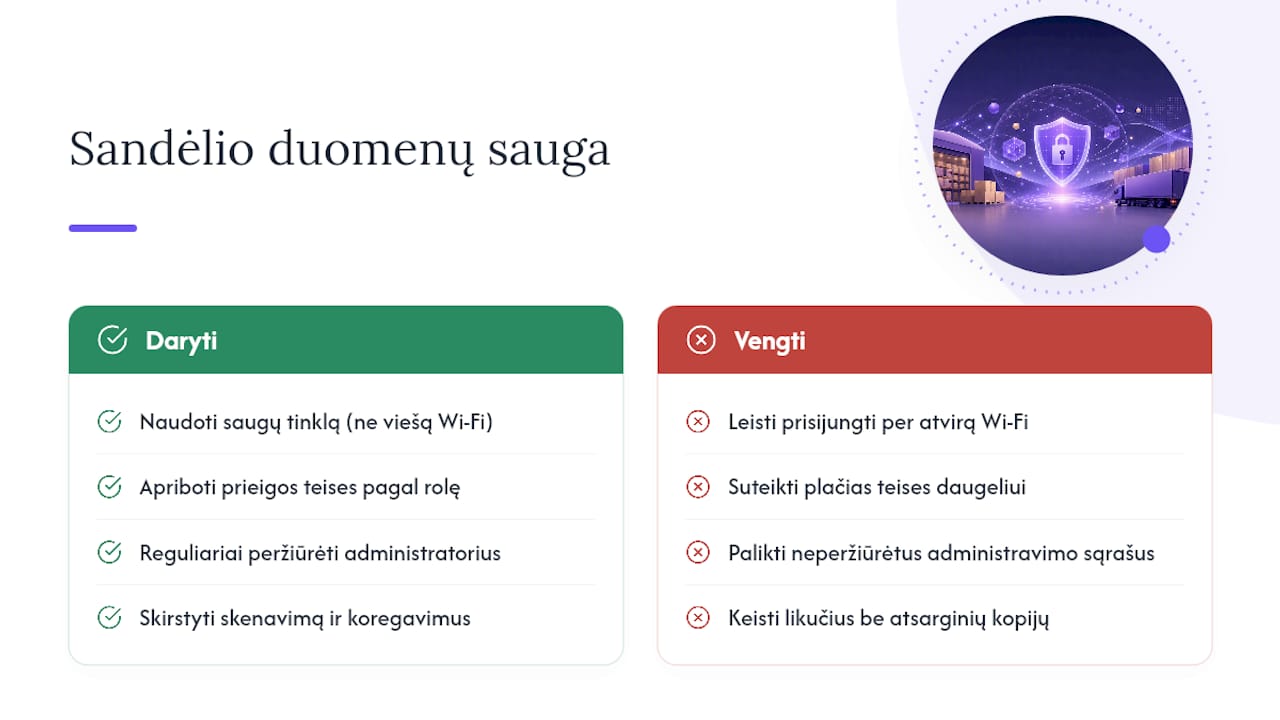
Because MSCAN runs in the browser and connects to GAMA in real time, data security depends on several layers: the security of the internet connection, user access management and the security settings of GAMA itself. Companies should make sure warehouse devices connect to a secure network rather than open public wifi, especially if the warehouse shares premises with other companies.
Access rights management is directly linked to data security. The fewer staff who have access to sensitive functions, such as stock adjustments or changing parameters, the lower the risk of data being damaged accidentally or deliberately. We recommend regularly reviewing who has administrator rights, especially after staff changes.
Because warehouse data directly affects the stock balances in the accounts, incorrect or unauthorised changes can have financial consequences that show up in the balance sheet or the profit and loss statement. It is therefore worth separating who can only scan and pick goods from who can adjust balances or change system parameters.
In addition, backups and the history of warehouse data are stored in GAMA, so any unusual change can be traced to a specific user and time. This is useful not only for security but also for accountability, when you need to find out why a discrepancy has appeared between locations and the accounts.
Reporting and analysis of Rivilė warehouse data
MSCAN collects detailed data on every warehouse operation: when an item was received, who picked it, and how long stocktaking took at a particular location. This data is valuable in itself, but it often goes unused if the company has no way of organising it into a clear picture.
Standard GAMA reports show overall balances and movements, but more detailed analysis, such as comparing warehouse staff productivity or tracking location occupancy over time, often requires an additional tool. This is where Power BI-type solutions come in, combining warehouse data with other business indicators such as sales seasonality or supplier delivery times.
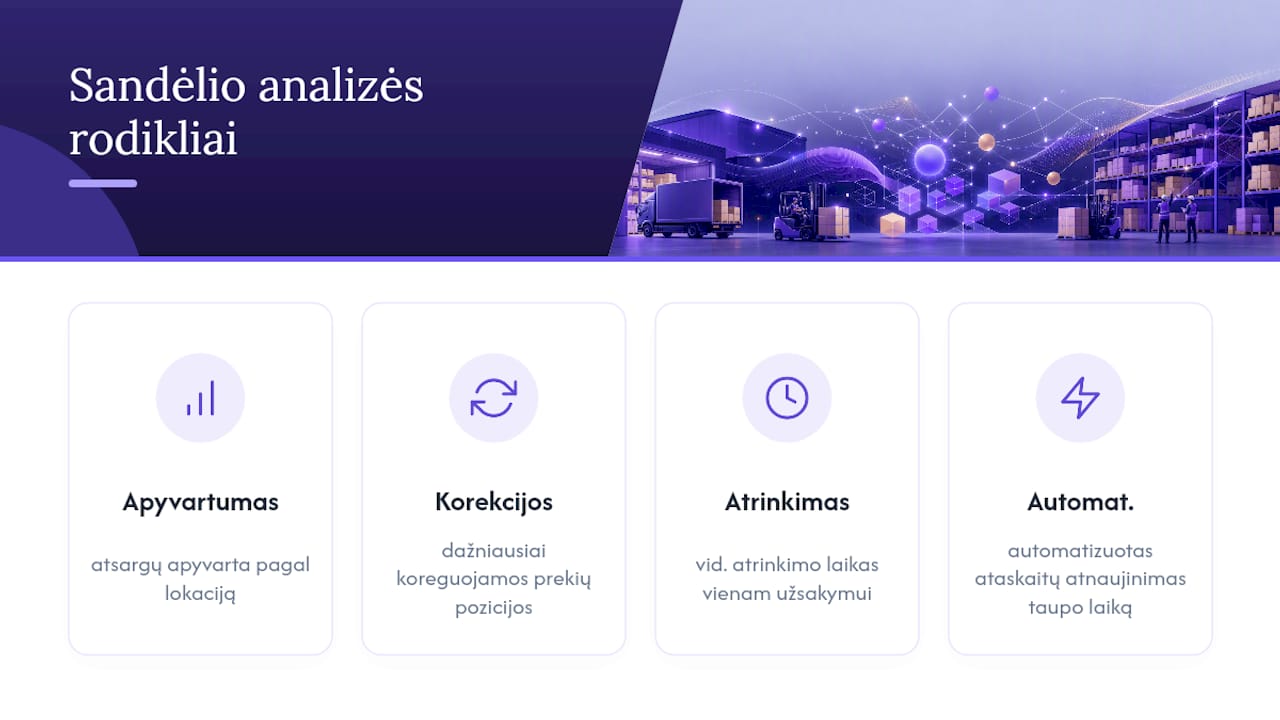
In practice, it is useful to track metrics such as inventory turnover by location, the product lines most often adjusted and the average picking time per order. These figures help you understand whether the warehouse layout actually reflects how goods really move, or whether certain zones are simply taking up space without real benefit.
Preparing such reports manually every month takes a lot of time, especially if data has to be exported separately from several sources. Automated report refreshes save real working time here, which the accountant or warehouse manager could spend on making decisions rather than gathering data.
Common problems and their solutions in Rivilė warehouse management
Most of the problems faced by companies moving to MSCAN recur from one business to another. Below we summarise the most typical cases and how to approach them.
When staff get an insufficient stock error during picking even though the item is physically in the warehouse, the cause is usually a location that has not been updated or a locked reservation. The solution is to check whether the item was moved to another location without updating the system, and to review active reservations.
Another common problem is that warehouse balances in MSCAN do not match GAMA accounting balances after stocktaking. In this case you need to go back to the parameter configuration and check whether the synchronisation settings match what the company actually expects — automatic updating or a separate reconciliation process.
A third problem arises when newly trained staff too often use the wrong scanning sequence, creating duplicate entries. Here the best solution is not technical but organisational: a short reminder sheet at each workstation showing the correct sequence of steps significantly reduces errors during the first few weeks.
The Analitika360 perspective: what MSCAN data offers business analytics
MSCAN generates detailed warehouse data, but most companies use it only operationally rather than strategically. Location movement and picking history make it possible to monitor warehouse metrics in real time, provided the data reaches the right analytical tool rather than staying isolated in GAMA. Automated Power BI reports turn this data into decision-ready information without manual data gathering every month. There are ready-built report packages that can help you put together a results dashboard, from warehouse data all the way up to management.
— Analitika360
How Analitika360 helps you make the most of Rivilė warehouse data
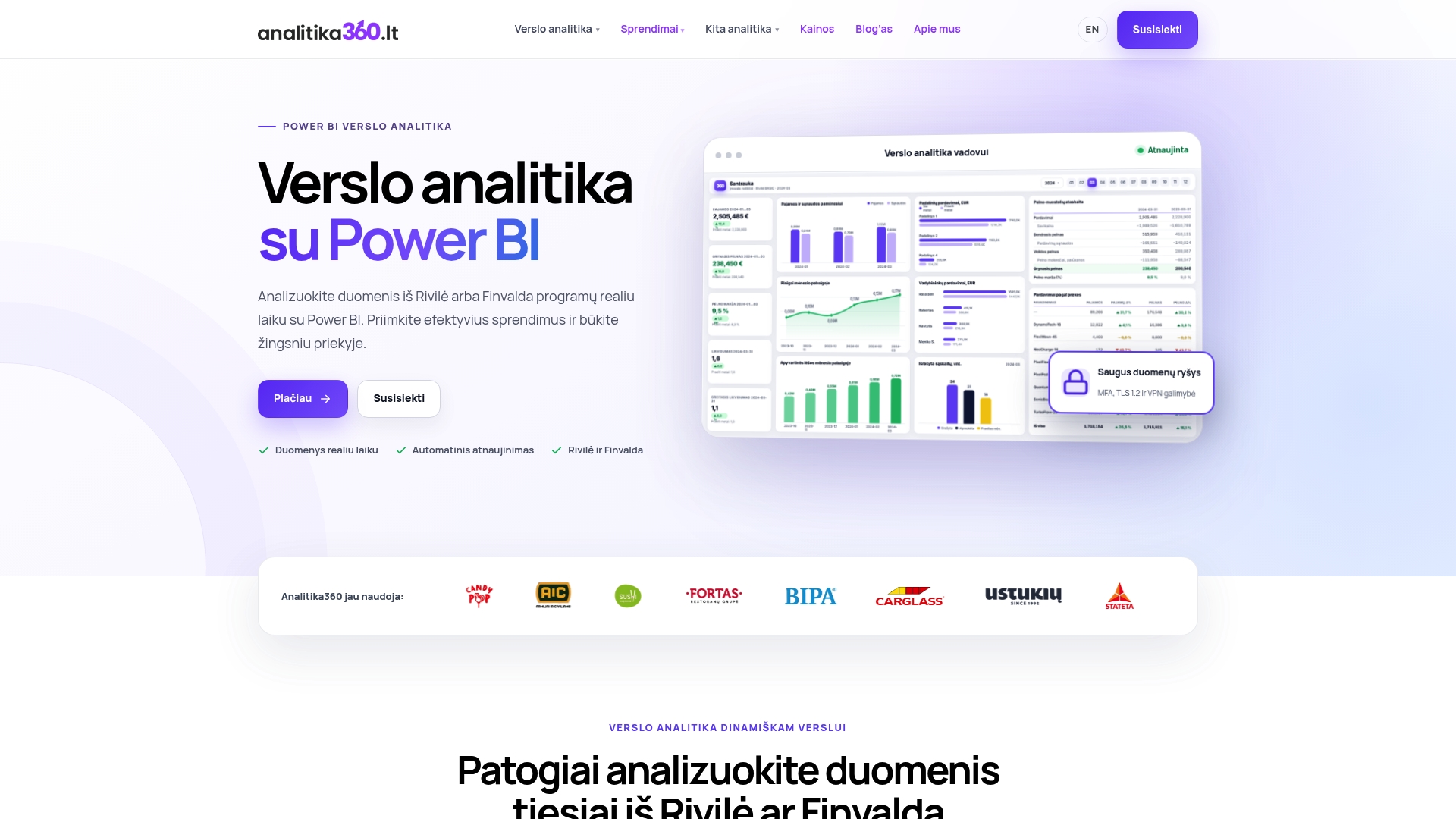
Warehouse data in MSCAN is accurate, but it often stays separate from the overall financial picture needed for decision-making. Analitika360 offers a ready-built solution to close exactly this gap: the Rivilė Basic report package, at €59 a month, combines warehouse, sales and financial data in a single automatically refreshed Power BI dashboard, with no need to export figures from GAMA manually every month.
For companies that need deeper analysis, there is the Rivilė PRO plan at €89 a month, or a bespoke project at €70 an hour, tailored to your specific warehouse and logistics structure. Unlike manually prepared spreadsheets, which are out of date the day after they are produced, some reports can be refreshed automatically without any user involvement.
If you would like to see how your MSCAN data would look in a summary dashboard, get in touch to arrange a demo and choose the package that suits the size of your warehouse.
Sources
For further reading, it is worth looking at the official documentation and a real implementation example:
For more on technology topics, you can visit the Technaujienos portal.
Frequently asked questions
What is Rivile MSCAN?
Rivile MSCAN is a web-based, browser-run warehouse management module that supports mobile devices and professional scanners. It replaces the older SVS module and synchronises with Rivilė GAMA in real time.
How much does a Rivile MSCAN workstation cost?
One workstation costs around €30 a month, according to information published by Rivilė. Location functionality is an add-on charged separately.
When is it worth switching on location functionality?
Locations are worth activating when several staff work in the warehouse at the same time or when finding goods without clear addressing takes too long. The system then lets you reserve stock and manage pallets at location level.
Why do location operations sometimes not affect the accounting stock balances?
It depends on how parameters such as MSCAN_LAU_TV are configured. Incorrectly configured settings can cause discrepancies between location data and GAMA data.
Can Analitika360 prepare reports from MSCAN data?
Yes, Analitika360 offers the Rivilė Basic and Rivilė PRO report packages, which combine warehouse data with financial information in automatically refreshed Power BI dashboards.