
Avoid the December Panic: Balance Sheet Analysis in Rivilė for Accountants

You generate the balance sheet in Rivilė via Servisas → Didžioji knyga → Balansas (Service → General Ledger → Balance Sheet). Before you click „Formuoti“ (Generate), check two things: the SS-FISCAL-YEART and SS-BALANCE-ROUND-CENT-ACCOUNT parameters, and how your chart of accounts is mapped to the tax accounts. Skip this check and the report may be inaccurate or fail to generate at all.
In brief:
- Check the SS-FISCAL-YEART and SS-BALANCE-ROUND-CENT-ACCOUNT parameters, as well as the mapping of accounts to tax accounts, before you generate the balance sheet.
- The most common errors come from blank parameters or incorrect account mapping, so review account mappings and the balance sheet regularly, quarter by quarter.
- The report can be generated using either the company or the tax chart of accounts, and its content depends on the selected period, department, object or centre.
- Use XLS or PDF export depending on what you need, but reconciling the data and checking the balance sheet automatically every month cuts the number of errors considerably.
- Automated analytics tools such as Power BI remove the need for manual balance sheet reconciliation and stop you wasting time checking data every month.
Contents
- Where to find the balance sheet report in Rivilė
- Settings and parameter checks: SS-FISCAL-YEART, rounding and account mappings
- Generating the report and export options
- Critical checks before year-end close
- Practical tips and the most common mistakes when preparing the balance sheet
- Editor’s view: when it pays to automate balance sheet analysis
- Power BI reports that reconcile your Rivilė data for you
- Sources
Where to find the balance sheet report in Rivilė
The menu path is fixed and the same in every version of Rivilė: Servisas → Didžioji knyga → Balansas (Service → General Ledger → Balance Sheet). When the window opens, you see a set of filters and an empty report area, which is only populated once the parameters have been set.
Rivilė lets you choose whether to generate the report using the company chart of accounts or the tax chart of accounts, and this directly determines what information appears in the summary. In the filter bar, pay attention to the following fields:
- Date from / Date to — sets the period under review, usually a calendar year or a quarter.
- Department — useful when the company has several divisions and you analyse them separately.
- Object — shows the balance sheet for a specific project or unit.
- Centre — a filter for companies that split their accounts by profit or cost centres.
The choice of format also matters: you can opt for the abridged or the full report form, and show amounts with cents or rounded to the nearest euro. The abridged form suits a quick review, while the full version is required for audits and submissions to the State Tax Inspectorate (VMI).
Settings and parameter checks: SS-FISCAL-YEART, rounding and account mappings
Most cases of “the Rivilė balance sheet is wrong” are caused not by a software fault but by blank parameters. Before generating the report for the first time, you need to complete three steps.
- Fill in SS-FISCAL-YEART. This parameter tells the system which financial year is treated as active for calculations. If the field is blank or contains the wrong year, the report may show data from the wrong period or simply stay empty.
- Set SS-BALANCE-ROUND-CENT-ACCOUNT. This parameter is linked to the rounding account, by default account 2631. Without a rounding account the report may fail to generate, because the system has nowhere to post the cent differences.
- Check the mapping of accounts to tax accounts. Every control account in the company chart must have a counterpart in the tax chart. Mapping errors are the most common reason the balance sheet does not agree with the trial balance.
For the check, use the report „Įmonės sąskaitų planas su mokestine sąskaita“ (Company chart of accounts with tax account) — print it out and you will quickly see which accounts have been left unmapped. This step is often skipped during the year, so errors only come to light in December, when there is hardly any time left to fix them.
Pro tip: Check account mappings every quarter, not just before year-end close — that way you avoid having to correct dozens of entries in a few days.
The chart of accounts structure in Rivilė serves not only statutory reporting but also internal management accounting analysis. Accurate mapping therefore improves not just the correctness of the balance sheet but also your ability to analyse business results in more depth than the standard form allows.
Generating the report and export options
Once the filters are set, the report is generated with the standard toolbar button or via the „Ataskaitos“ (Reports) function in the document list, marked with a printer icon. The second method is particularly useful when you need to produce reports for several documents at once, for example for several members of a group of companies in one go.
Rivilė offers two main export formats:
- XLS (Excel) — suitable for further analysis, applying formulas or moving data into other systems. When you generate a trial balance for a group of companies, Rivilė creates a separate Excel sheet for each company, and you can choose Lithuanian or English as the language.
- PDF — the best choice when the report needs to be formally archived, signed or passed to an auditor, bank or shareholders.
When choosing between formats, consider the end use: if the data still needs processing or combining with other sources, XLS gives you more flexibility. PDF is better for a fixed version whose content will no longer change. For a group trial balance, separate Excel sheets let you compare several companies in a single workbook without switching between files.
Critical checks before year-end close
The balance sheet may add up, but that does not mean the data is correct. Reconciling the subsidiary ledgers with the control accounts is an essential step before year-end close, and the Rivilė guide recommends using dedicated reconciliation reports for this.
A practical checking sequence looks like this:
- Generate a trial balance for the chosen period and compare it with the previous period’s figures.
- For a group of companies, check each individual Excel sheet for negative balances or zero amounts where there should be none.
- Check that all transactions for the period have been posted and approved, as this directly affects the preparation of the i.SAF-T file (the standard audit file of accounting data) and its submission to VMI.
Regular reconciliation throughout the year, not just in December, significantly reduces the number of errors at the year-end stage. Automated Excel exports do not help on their own unless they are combined with periodic data checks at least once a month or quarter.
Practical tips and the most common mistakes when preparing the balance sheet
Most balance sheet report problems recur year after year and can be anticipated:
- Accounts not mapped to the tax chart, so part of the turnover is left out of the report.
- A missing rounding account, so the system cannot deal with cent differences.
- Incorrectly applied filters, so the wrong department, object or period is analysed.
- Skipped reconciliation between the subsidiary ledgers and the control accounts, which only comes to light at year-end.
Pro tip: Set up a monthly checklist with these four points — it takes fifteen minutes but saves days of work in December.
When manual reconciliation in Excel starts taking up more time each month than the bookkeeping itself, it is a sign that it is time to move away from manual reports and switch to an automated solution that reconciles Rivilė data without re-entering it.
Editor’s view: when it pays to automate balance sheet analysis
Manual balance sheet reconciliation in Excel works while the company is small and the number of accounts is modest. The problem arises when the same reconciliation is repeated every month, and errors such as unmapped accounts or a forgotten rounding account keep coming back despite the checks.
Automated reports break this cycle in a fundamentally different way: data from Rivilė refreshes without any extra intervention, and indicators such as revenue, costs and profit are visible in real time, not only after the month has been closed. This does not mean manual checking becomes unnecessary, but it shifts from day-to-day reconciliation to strategic analysis, which is where an accountant’s time should go.
— Analitika360
Power BI reports that reconcile your Rivilė data for you
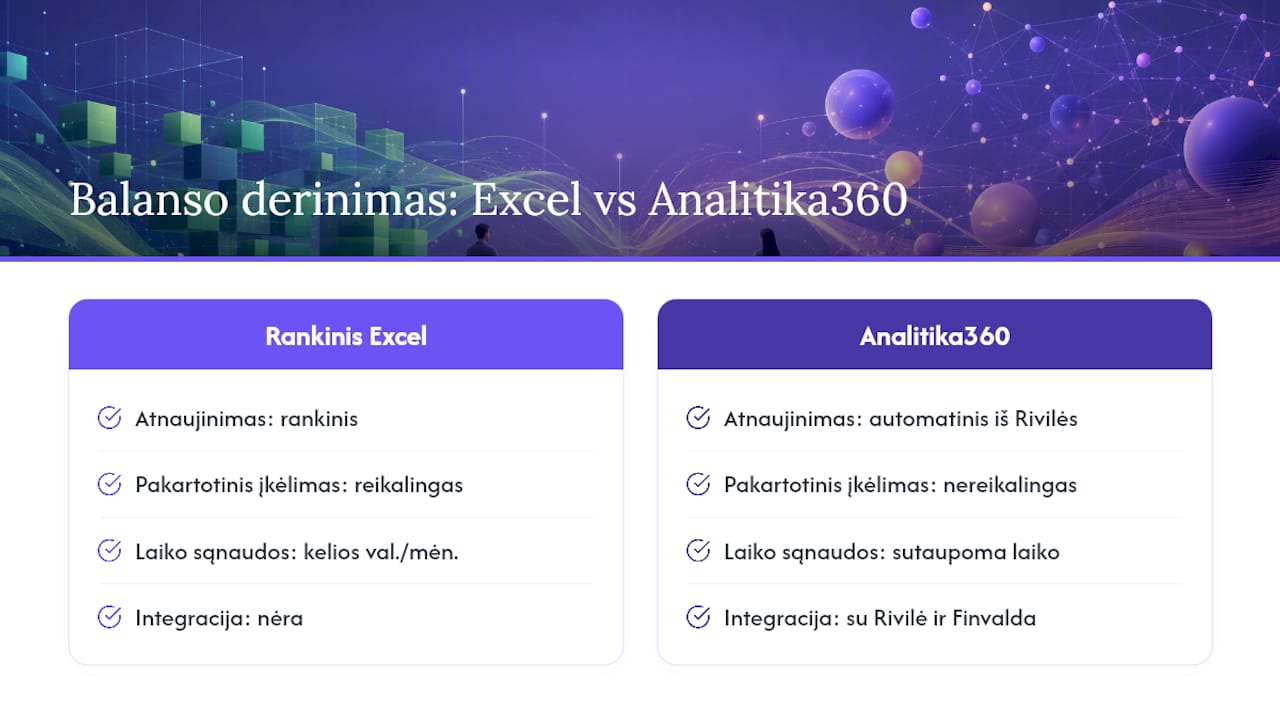
Analitika360 is an alternative to reconciling the balance sheet manually in Excel: instead of spending several hours a month reconciling the subsidiary ledgers with the control accounts, data from Rivilė refreshes automatically, with no need to reload it.
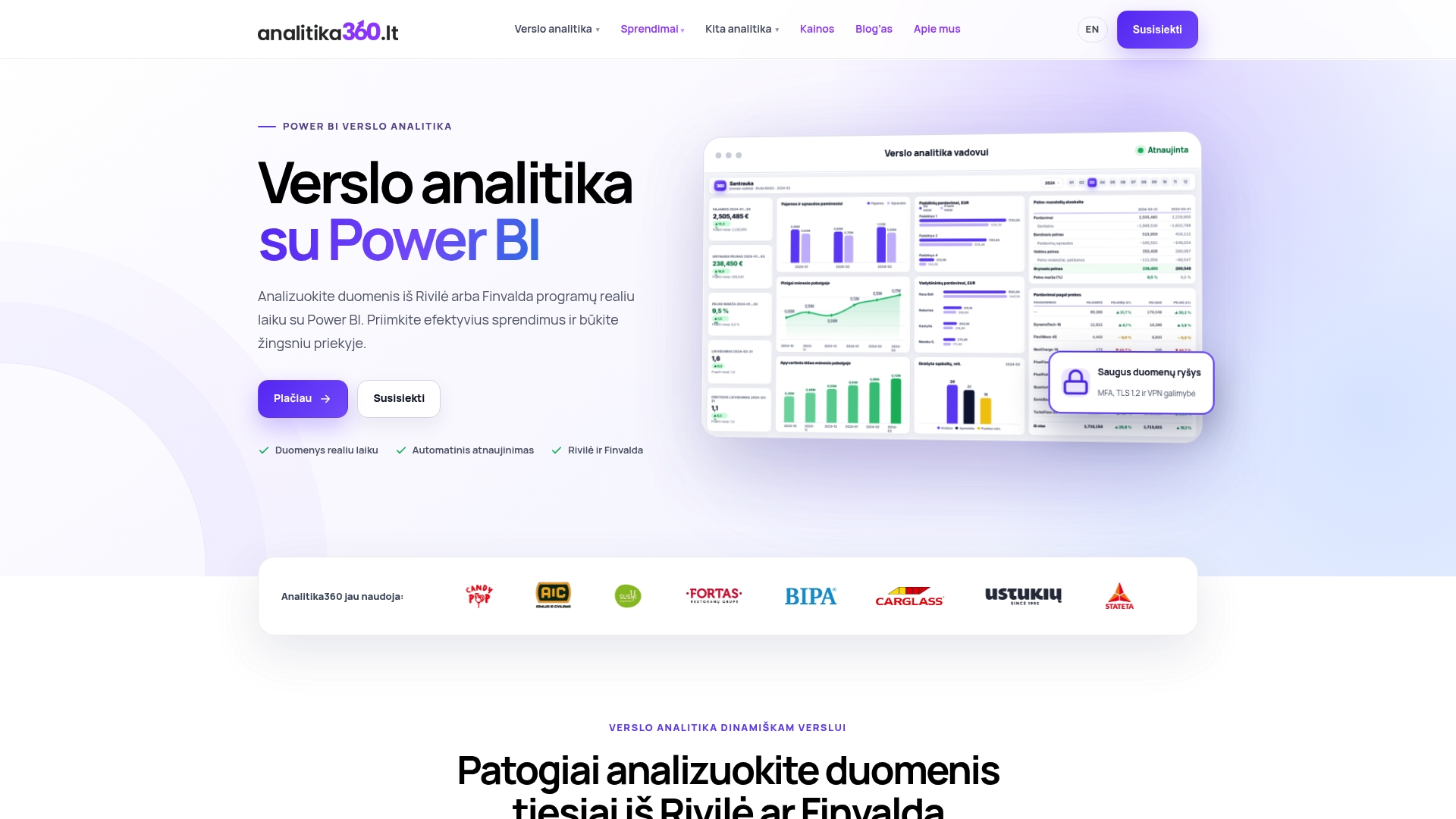
The packages include Power BI reports integrated with Rivilė and Finvalda data, tailored to your specific line of business, as well as implementation and ongoing support. Managers and accountants will see the same indicators, but the former will use them to steer strategy while the latter save time on preparing reports.
If balance sheet reconciliation takes up too many hours every month, have a look at the Analitika360 solutions page and book a demo for your line of business.
Sources
Below are sources worth bookmarking if you need to dig into specific Rivilė report settings or VMI requirements:
In addition, if you record foreign currency transactions on the balance sheet, it is worth reading up on the impact of exchange rate movements on financial analysis, as currency revaluation can affect balance sheet balances, especially for companies that import or export.