Your business in 360°
 Power BI Governance: Roles, Rules and Data Security

Power BI governance is a set of rules, roles and technical settings. It determines who builds reports, who sees them, where the data comes from and how you make sure everyone calculates profit the same way. Without it, Power BI quickly turns into yet another archive of Excel files: dozens of reports, conflicting definitions of ‘revenue’ and access rights that nobody controls any more. In this guide we set out clearly what to put in place first, which roles you need and what you can do even without Premium or Fabric licences.
In brief
- Governance is not just for corporations. A company with as few as 5–10 report users already needs clear rules on who builds, approves and distributes reports.
- Microsoft identifies three content management strategies: decentralised, balanced and centralised. Most Lithuanian SMEs are most comfortable in the middle.
- The foundations of security are workspace roles, row-level security (RLS) and sensitivity labels.
- Publishing reports requires a Pro licence. Deployment pipelines (development, test, production) work in Premium capacity workspaces.
- The biggest risk is not the technology but rules that get in the way of work. That is when people start looking for workarounds.
Contents
- What Power BI governance is and why you need it
- Three content management strategies
- Roles and responsibilities
- Workspaces, sharing and licences
- Data security: RLS, sensitivity labels and storage
- Data quality and usage monitoring
- Rolling out governance step by step
- What you can do without Premium or Fabric
- Our approach
- Ready-made report packages with a clear structure
- FAQ
- Sources
What Power BI governance is and why you need it
Put simply, governance answers four questions:
- Who creates the content? The finance department, IT, an external partner, or each department on its own.
- From what data? From a single verified model, or from an Excel file sitting on each employee’s computer.
- Who sees what? Does a department head see only their own department’s sales, or the whole company’s?
- How is content changed? Are changes checked first, or do they land straight on managers’ screens?
In its implementation planning guidance, Microsoft stresses that governance must strike a balance between controlling risk and enabling teams. Stricter rules are not necessarily safer. Microsoft’s authors note that a governance model poorly aligned with business goals encourages users to look for workarounds, which increases security risk. In practice it looks like this: data is exported to Excel and sent by email because getting access to a report takes two weeks.
Three content management strategies
Organisations choose one of three content management strategies, or a combination of them. The same source points out that the choice depends most of all on the company’s data culture.
| Strategy | Who creates content | Advantages | Risks | Best suited to |
|---|---|---|---|---|
| Business-led self-service (decentralised) | The departments themselves | Speed, flexibility | Inconsistent metric calculations, duplicated reports | Small teams with a few analysts |
| Managed self-service (balanced) | A central team builds the models; departments use them for reports | A single source of truth plus flexibility | Responsibilities must be clearly agreed | Most SMEs and groups of companies |
| Enterprise-level centralised | IT or a BI team | Control, consistency | Slower pace of change | Regulated industries, large organisations |
In our experience, a restaurant chain or an accounting firm is usually best served by the balanced model. The financial data model covering revenue, costs, profit and the balance sheet is built once and maintained centrally. Managers and accountants use it, filter it and create their own views. We describe how to structure such a model in our article on the data model for finance.
Roles and responsibilities
Governance does not work unless each area has a named person responsible for it. Microsoft’s architecture guidance proposes a simple principle: engineering owns the data pipelines, the BI team owns the semantic models, and product owners own the key metrics and their definitions.
In a smaller company the same roles often fall to two or three people:
- Power BI administrator. Manages the tenant settings, licences and permitted visuals. Usually the IT manager or an external partner.
- Data model owner. Responsible for making sure the model accurately reflects the accounting data and refreshes on time. This may be a BI specialist or the solution provider.
- Metric owner. Usually the finance director or chief accountant, who approves how margin, EBITDA or debt ageing is calculated.
- Content creators. Employees who build reports from the approved model.
- Consumers. Managers, sales staff, department heads.
Information protection and governance is a complex process that requires collaboration between IT, security specialists and business units. That is why it is worth writing metric definitions down in a single document, for example a SharePoint page, and reviewing them at least once a quarter.
Workspaces, sharing and licences
The workspace is the basic unit of governance. It holds the models and reports, and roles determine who can create, edit or only view. Practical rules:
- Separate development and production environments. Microsoft recommends testing roles in a test workspace and then updating them in the production workspace in line with your content distribution strategy.
- Distribute through apps rather than individual links. That way users see only the finished content, not working drafts.
- Grant access to groups, not individuals. When an employee leaves, you only need to remove them from the group.
Licences are directly linked to governance. Using Power BI Desktop requires no licence, publishing reports requires Pro, and publishing apps requires Pro plus at least the Member role in the workspace. Before sharing reports with clients or partners, choose the right method. You will find a comparison in our article on sharing data in Power BI.
Data security: RLS, sensitivity labels and storage
Where the data is stored
Power BI runs in the Microsoft cloud. Artefact data is mostly stored in Azure Storage and metadata in Azure SQL databases, and data at rest is encrypted by default with Microsoft-managed keys. This means the platform takes care of core infrastructure security. Your responsibility is the rules on access and content.
Row-level security (RLS)
RLS lets the whole company use a single report while each person sees only the data intended for them: a restaurant manager sees their own restaurant, a regional manager their own region. In paginated reports, RLS can be set up using the built-in UserID field in a filter or query. We cover creating roles in more detail in our article on row-level security in Power BI.
Sensitivity labels
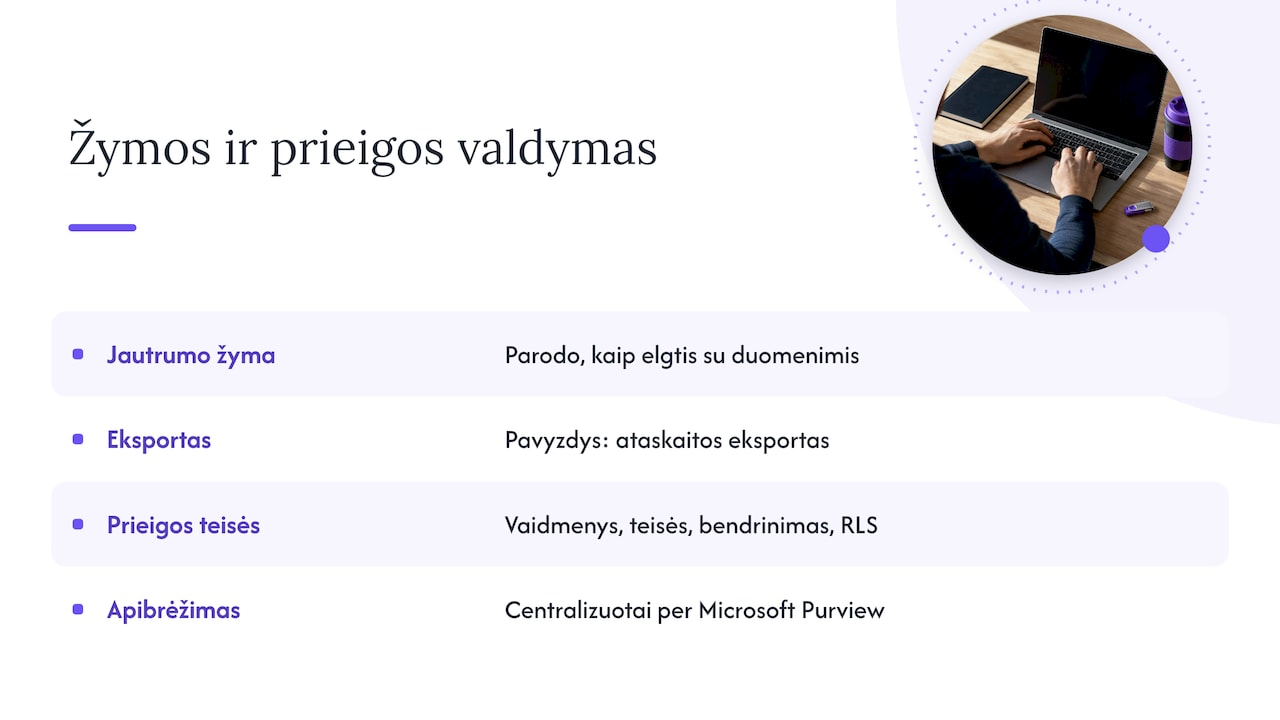
Sensitivity labels (such as ‘Internal’ or ‘Confidential’) are defined centrally in Microsoft Purview Information Protection. They work alongside access roles, permissions, sharing and RLS. A label does not replace access rights: it indicates how the data should be handled, for example when a report is exported.
We have prepared a separate checklist for IT managers: 3 steps to the best Power BI security.
Data quality and usage monitoring
Governance also covers data reliability. If the profit in a report does not match the balance in the accounting system, no amount of security will help: managers will simply stop trusting the report. A minimum set of controls:
- Refresh monitoring. Whether the scheduled refresh succeeded and when the data was last updated. Limits and settings are covered in our article on Power BI scheduled refresh.
- Reconciliations with the source. Revenue, cost and debt totals are compared against the accounting system.
- Usage analysis. Analysing the activity log helps spot usage patterns and advise content owners. Unused reports are worth archiving.
You will find a practical checklist in our guide to data quality monitoring in Power BI.
Rolling out governance step by step
A successful rollout requires you to align your BI strategy with business goals and plan it regularly. We suggest the following sequence:
- Inventory. List all existing reports, workspaces and data sources: the accounting system, Excel, SharePoint, CRM.
- Choose a strategy. Decide which of the three models suits you and which metrics will be managed centrally.
- Assign roles. Name the administrator and the model and metric owners.
- Workspace structure. Set up clear workspaces by function (finance, sales, warehouse) and environment (development, production).
- Security settings. RLS, group-based access and sensitivity labels if you use Purview.
- Tenant settings. Restrict exports, public publishing to the web and permitted visuals. Custom visuals not available in AppSource can be registered in the admin portal.
- Monitoring and review. Review usage, access and metric definitions every quarter.
What you can do without Premium or Fabric
Many governance tools work with Pro licences too. Deployment pipelines, which move content between development, test and production workspaces, are designed for Premium capacity workspaces. Without them, the same principle can be applied manually: two separate workspaces and a clear rule that only the model owner changes the production workspace.
Without Premium you can also:
- manage access through groups and workspace roles;
- apply RLS in semantic models;
- distribute content through apps;
- document metrics and model changes;
- monitor refresh status and usage.
If your data sits on an on-premises server, the Power BI data gateway also matters for governance: every refresh goes through it, so its owner and access rights must be clearly assigned.
Our approach
Working with Rivilė and Finvalda users, we see the same picture again and again. Governance problems rarely start with security gaps; they usually start because every accountant or manager has their own version of the profit calculation in an Excel file. So our first recommendation is a single shared financial model that refreshes automatically, with no manual work. When the data is reliable and always up to date, people have no reason to build alternative reports, and the governance rules become easy to follow.
The second principle is integration. When accounting, SharePoint, Excel, CRM or logistics data is brought together in a single Power BI model, you manage access, RLS and metric definitions in one place rather than across ten files.
— Analitika360
Ready-made report packages with a clear structure
If you use Rivilė or Finvalda, you do not have to build a governance structure from scratch. Analitika360’s ready-made Power BI report packages cover revenue, costs, profit, the balance sheet, sales, inventory and debt metrics, and the data refreshes automatically. Basic plans cost €59 a month, PRO plans €89 a month, and bespoke projects tailored to your processes €70 an hour. We can also supply Microsoft Pro and Premium licences. Compare all the plans on our business analytics pricing page or take a look at the Rivilė, Finvalda and Power BI packages.

FAQ
Does Power BI run on Azure?
Yes. Power BI is a Microsoft cloud service: data is mostly stored in Azure Storage and metadata in Azure SQL databases. Data at rest is encrypted by default with Microsoft-managed keys.
Does a small company need Power BI governance?
Yes, just a simpler version. It is enough to appoint an administrator and a metric owner, separate development and production workspaces, and manage access through groups. This can be put in place within a few days.
Does Power BI have CRM features?
No, Power BI is an analytics tool, not a CRM system. However, CRM data can be combined with accounting and Excel data in a single model, so you can analyse sales, customers and debts together.
What is the difference between RLS and workspace roles?
A workspace role determines what a person can do with the content: create, edit or view. RLS determines which rows of data they see within the same report. The two are usually used together.
Sources
- Power BI implementation planning: BI strategy overview
- Microsoft Fabric adoption roadmap: Business alignment
- Microsoft Fabric adoption roadmap: Content ownership and management
- Integrating Dataverse with enterprise data
- Power BI implementation planning: Organization-level information protection
- Deploy to Power BI
- End-to-end: From raw data to a shared Power BI app
- Power BI security overview
- Set up row-level security in Power BI paginated reports