Your business in 360°
 Dynamics 365 and Power BI: How to Connect Your Data and Reports

Dynamics 365 and Power BI are both made by the same company, Microsoft, so connecting them is straightforward. Power BI connects to Dynamics 365 data (usually through Dataverse), and the finished reports can be embedded back into the Dynamics 365 app so that managers and the sales team see them where they work every day. The difficulties come later: licensing, data security, refresh frequency, and the point at which CRM data has to be combined with an accounting system such as Rivilė or Finvalda. This guide works through each of these stages in turn.
In brief
- Three main approaches: importing data through the Dataverse connector, analytics solutions for the Finance & Operations modules, and embedding Power BI reports in the Dynamics 365 app.
- Licences: a standard licence is enough to read most tables, but some tables are restricted, and users who work in them need a Dynamics 365 licence.
- Security: a hidden column does not protect data. Only row-level security (RLS) and object-level security (OLS) genuinely protect it.
- Refresh: when syncing through change tracking, changes are retained for a limited period, so your refresh schedule must run more often than that.
- The greatest value comes when the CRM sales pipeline and the accounting figures for revenue, costs and debts sit in a single Power BI model.
Contents
- Three ways to connect Dynamics 365 to Power BI
- Dynamics 365 dashboards or Power BI: when you need which
- Licences: what to check before you start
- Integration step by step
- Security: what actually protects your data
- The most common technical mistakes
- When your CRM is Dynamics 365 and your accounting is Rivilė or Finvalda
- Our view
- Ready-built Power BI packages and bespoke projects
- FAQ
- Sources
Three ways to connect Dynamics 365 to Power BI
Before you begin, it is worth deciding what you expect from your analytics. The connection method depends on it.
| Approach | Best suited to | Advantages | What to consider |
|---|---|---|---|
| Importing data through the Dataverse connector into Power BI Desktop | Sales, customer service and marketing analysis (Customer Engagement apps) | Can be combined with other sources; you can build your own measures | Refresh and model structure need planning |
| Finance & Operations analytics solutions | Companies that run finance and supply chain in Dynamics 365 | Microsoft maintains a dedicated set of Power BI analytics resources for these modules | Customisation requires technical expertise |
| Embedding a report in the Dynamics 365 app | When users need to see metrics without leaving the CRM | A single working environment, less switching | Embedding must be enabled by an administrator, and users must have access to the report |
In practice, two approaches are most often combined: the report is built in Power BI Desktop, published to the Power BI service and then embedded in a model-driven Dynamics 365 app.
If reports also need to be automated across other systems, Microsoft offers a Power BI connector for Power Automate and Logic Apps flows. It lets you, for example, trigger a semantic model refresh when a particular action occurs.
Dynamics 365 dashboards or Power BI: when you need which
Dynamics 365 has its own dashboards. They are good for a quick operational view: how many opportunities are open, how many enquiries are awaiting a reply, what is on this week’s task list. They show only that system’s data and have limited calculation capabilities.
You need Power BI when:
- You need to combine several sources. For example, CRM opportunities with actual revenue from the accounting system or a budget from Excel.
- You need more complex calculations. Margin by customer, sales forecast accuracy, period-on-period comparisons.
- Reports are viewed by different audiences. The board, regional managers and sales managers need different views with different permissions.
- You need history. An operational system shows the current state, whereas analytics lets you see how metrics have changed over the months.
The rule is simple: Dynamics 365 dashboards are enough for day-to-day work, but decisions that require a view of the whole business need Power BI.
Licences: what to check before you start
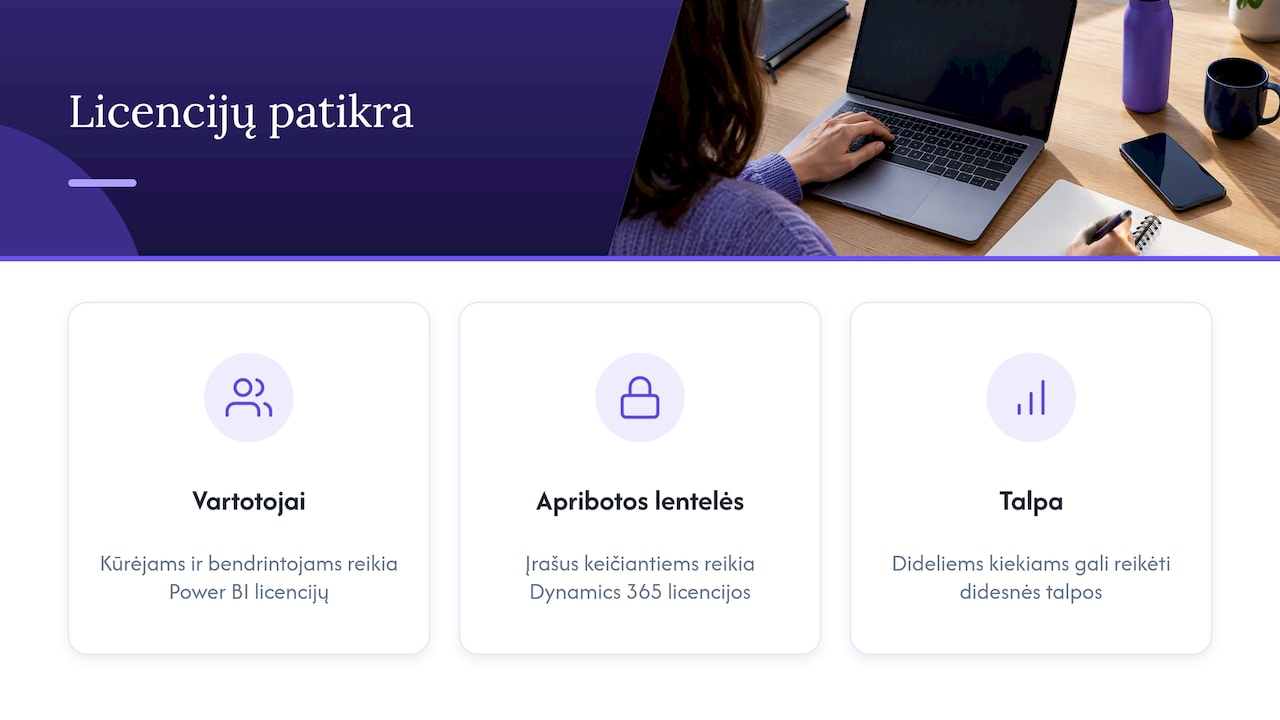
Licences often become an unexpected cost halfway through a project. Check three things.
Who will build the reports and who will view them. Report developers and users who share content in the Power BI service need the appropriate Power BI licences. Specific prices and terms change, so confirm them with your Microsoft licensing provider before setting a budget.
Restricted tables. Dataverse contains tables that Microsoft classes as restricted tables requiring a Dynamics 365 licence, such as msdyn_actual or msdyn_bookingjournal. The licence is needed by users who create, modify or delete records in these tables. For read-only access, a Power Apps or Power BI licence is usually sufficient, but it is worth checking this against your own scenario.
Capacity and large volumes. If you have a lot of data and many people view the reports, assess whether standard licences will be enough or whether you will need a higher-capacity solution. This is best settled at the architecture stage, not once reports start loading slowly.
Integration step by step
Here is a typical sequence for analysing Dynamics 365 Customer Engagement data in Power BI.
- Define your metrics. Write down 10–15 questions the report must answer: pipeline value by stage, conversion rate, average deal length, performance by sales manager.
- Choose your tables. There is no need to pull in the whole of Dataverse. Opportunities, accounts, contacts, activities and products usually form the core.
- Connect through the Dataverse connector in Power BI Desktop and choose either Import or DirectQuery mode.
- Fix data types in Power Query. Power Query detects data types from the first 200 rows, so numbers are sometimes recognised as text. Check the types and set them manually.
- Build the model. A star schema with fact and dimension tables, a single date table and clear relationships.
- Configure security (see the next section).
- Publish and set up refresh in the Power BI service. If some of the data sits on an on-premises server, you will need a Power BI data gateway.
- Embed the report in Dynamics 365. An administrator enables Power BI visualisation embedding in the reporting section of the system settings, after which a report or dashboard can be added to a model-driven app.
We covered turning CRM data into analytics in more detail in our article CRM and Power BI integration.
Security: what actually protects your data
CRM data is sensitive: prices, discounts, contacts, sales managers’ results. The most common mistakes stem from confusing tidying up the view with security.
- A hidden column is not security. A user with access to the semantic model can see all its data unless RLS or OLS has been configured.
- Row-level security (RLS) restricts which rows a user can see. According to Microsoft’s RLS guidance, rules are created using model roles. Dynamic RLS filters by the signed-in user, so a regional manager sees only the customers and opportunities in their own region.
- It is important to know that Dynamics 365 permissions do not carry over automatically to data imported into Power BI. They have to be recreated in the model.
- The “Publish to web” feature is not suitable for business reports. It makes a report publicly accessible without authentication. Sharing should be done through workspaces and apps with access permissions, as described in the Power BI sharing guidance.
We have covered this topic in depth in our articles on row-level security and three essential Power BI security steps for IT managers.
The most common technical mistakes
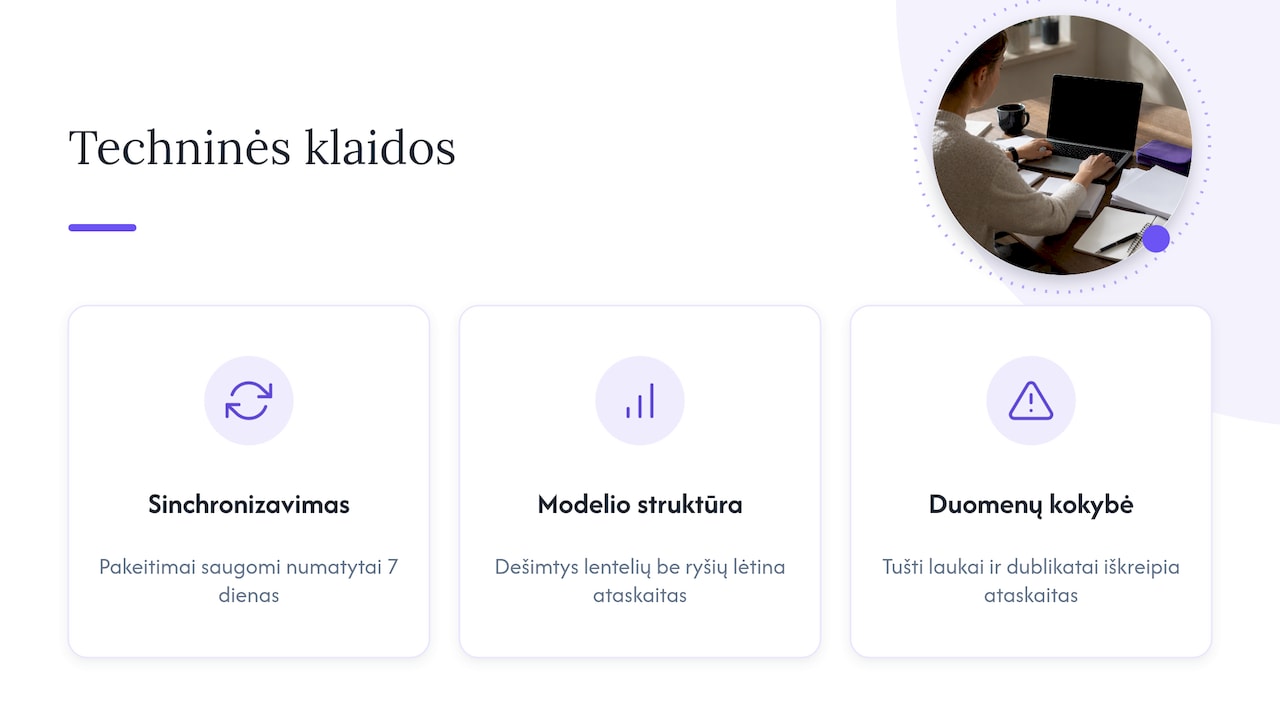
Syncing too infrequently. When data is synchronised with an external system through Dataverse change tracking, changes are retained for a limited period, with a default of 7 days. If synchronisation runs less often than that, it fails with an error. Before enabling this feature for a table, consult your system administrator, as it is a table setting that is difficult to change later.
Everything in one model with no structure. Dozens of tables without clear relationships slow reports down and produce incorrect results. The semantic model has to be designed, and it is worth understanding how the different types of semantic model in the Power BI service work before you start.
No data quality control. Empty fields, duplicates and incorrect stages in the CRM directly distort reports. A data quality monitoring checklist is a useful thing to have.
When your CRM is Dynamics 365 and your accounting is Rivilė or Finvalda
This is a common combination in Lithuania: sales and customer relationships are managed in a CRM system, while the books are kept in Rivilė or Finvalda. In that case, Dynamics 365 reports on their own answer only half the questions. The CRM shows how many deals have been won, while the accounting system shows how much has actually been invoiced, how much has been paid and what margin is left.
By combining both sources in a single Power BI model, you can see:
- won deals alongside actual revenue by customer;
- sales managers’ results measured not just by the number of deals but by profit;
- customer debts alongside active opportunities, so the sales team knows who it makes sense to offer new terms to;
- the budget from Excel or SharePoint alongside actual results.
The key is a shared customer identifier, usually the company registration number, which must match in both systems. If there is none, the data is cleaned up first and the reports are built only afterwards. We described how to structure this kind of model in our article on a data model for finance.
Our view
We work with Rivilė and Finvalda users, so we see that most companies start not with the CRM but with finance: revenue, costs, profit, the balance sheet and debts. This is the foundation on which sales analytics is later built. If the financial figures are reliable and refresh automatically, connecting CRM data becomes a clear addition rather than a separate project with its own separate version of the truth.
That is why we recommend this sequence: first a ready-built set of accounting reports, then other sources (CRM, SharePoint, Excel, logistics) added to the same Power BI model. That way, a manager sees both the sales pipeline and its financial outcome in one place. Above all, reports should refresh without any extra manual work: if someone has to export data by hand every Monday, the analytics quickly loses people’s trust.
— Analitika360
Ready-built Power BI packages and bespoke projects
Analitika360 offers ready-built Power BI report sets for Rivilė and Finvalda users, with automatic data refresh:
- Rivilė Basic or Finvalda Basic: €59 a month;
- Rivilė PRO or Finvalda PRO: €89 a month;
- Bespoke projects, such as combining CRM or other system data with accounting data in a single model: €70 an hour.
We also help you purchase Microsoft Pro and Premium licences. You will find full terms on our business analytics pricing page, and how the packages work alongside your accounting system is described on the Rivilė, Finvalda and Power BI packages page. Get in touch and we will discuss which sources your model needs.
FAQ
Is Power BI included in Microsoft 365?
Power BI is a separate Microsoft service with its own licences. It may be included in some Microsoft plans, so it is worth checking your company’s agreement. Power BI Desktop can be used free of charge to build reports, but sharing reports in the service requires licences.
Is Power BI different from Dynamics 365 dashboards?
Yes. Dynamics 365 dashboards show only that system’s data and are suited to operational work. Power BI combines multiple sources, supports more complex calculations and lets you manage access by user.
Can a Power BI report be displayed within Dynamics 365 itself?
Yes. An administrator must enable Power BI visualisation embedding in the system settings, after which a report or dashboard can be added to a model-driven app. Users must have access to the report itself in the Power BI service.
Can Dynamics 365 CRM data be combined with Rivilė or Finvalda data?
Yes, provided customers are identified in the same way in both systems, for example by company registration number. We carry out this kind of integration as a bespoke project on top of a ready-built accounting report set.
Is Power BI still relevant?
Yes. Microsoft continues to develop it as its main business analytics platform, and its integration with Dynamics 365, Excel and SharePoint makes it the natural choice for companies that already use Microsoft systems.
Sources
- Microsoft Learn: Power BI reporting and analytics for Finance & Operations
- Microsoft Learn: Power BI connector
- Microsoft Learn: restricted tables requiring a Dynamics 365 licence
- Microsoft Learn: data types in Power Query
- Microsoft Learn: RLS guidance for Power BI Desktop
- Microsoft Learn: sharing Power BI reports and dashboards
- Microsoft Learn: change tracking for Dataverse synchronisation
- Microsoft Learn: semantic models in the Power BI service